Have you ever seen a dotted circle on your Instagram DM list and wondered what it meant? This mysterious symbol is more than just decoration; it is a visual cue that can mean a few different things depending on where you see it.
In this guide, we will break down the different meanings of the dotted circle to help you navigate your Instagram experience like a pro.
The Dotted Circle Mean On Instagram DM
The dotted circle on Instagram DM is called Vanish mode which was introduced in 2022 and is an innovative tool used to send disappearing massages.
How Does Vanish Mode Work?
- Ephemeral Messages: Once Vanish Mode is activated, any messages, photos, or videos sent will automatically disappear after they’ve been viewed and the chat is closed. This ensures that your conversations remain private and temporary, leaving no digital trace.

- Enhanced Privacy: Vanish Mode is ideal for sharing sensitive information or having casual, lighthearted conversations without the fear of messages being saved or shared. It provides an added layer of security and privacy, making it a valuable tool for protecting your data.
- Easy to Use: Activating Vanish Mode is incredibly simple. Just swipe up in the chat window to enable this feature, and your messages will instantly become ephemeral.
Why Use Vanish Mode?
- Temporary Conversations: Vanish Mode is perfect for sharing secrets, jokes, or fleeting thoughts without the pressure of permanent records. It allows you to have spontaneous and carefree conversations without worrying about the consequences.
- Enhanced Privacy: If you’re concerned about privacy, Vanish Mode is a great option. It ensures that your messages are deleted after they’ve been seen, preventing unauthorized access or accidental sharing.

- Spontaneous Interactions: Vanish Mode encourages casual and fun conversations without the need for formality or planning. It’s a great way to connect with friends and family in a more relaxed and spontaneous manner.
Real-life example: You want to share a surprise secret or a quick joke with a friend that you don’t want saved in your chat history forever.
• Popular Captions for Vanish Mode:
◦ “Going ghost 👻”
◦ “Now you see it, now you don’t!”
◦ “Privacy first 🔒”
• Common Hashtags: #InstagramTips #Privacy #VanishMode
Understanding The Dotted Circle
The dotted circle is a visual indicator that signifies the activation of Vanish Mode. It appears next to the user’s name in your Instagram DM list, letting you know that their messages will disappear after being viewed.
This feature adds a layer of privacy and security to your conversations, allowing you to communicate with confidence without the fear of messages being saved or shared.
Additional Insights
- The dotted circle is a relatively new feature introduced by Instagram.
- Vanish Mode is available for both one-on-one and group chats.
- You can turn Vanish Mode on or off at any time during a conversation.
- If the other person takes a screenshot of a Vanish Mode message, you will be notified.
- Vanish Mode is a useful tool for those who value privacy and want to have more casual conversations on Instagram.
By understanding the dotted circle and Vanish Mode, you can enhance your Instagram messaging experience and enjoy more secure and private conversations.
How To Enable Vanish Mode
To activate Vanish Mode, a feature that allows you to send disappearing messages on Instagram, follow these simple steps:
- Open the Instagram App: Launch the Instagram app on your device.
- Navigate to Direct Messages: Tap the paper airplane icon in the top right corner of your feed.

- Select a Conversation: Choose the chat you want to enter Vanish Mode with.
- Swipe Up to Activate: Swipe up from the bottom of the chat screen to enable Vanish Mode.
Once Vanish Mode is activated, you’ll notice a subtle change in the chat interface. The background will darken, and a “🤫” emoji will appear, indicating that Vanish Mode is now active.]
To send a disappearing message, simply type your message and hit send. The message will be delivered to the recipient, and they will be able to view it only once. After they’ve read the message, it will disappear from the chat, leaving no trace.
How to Turn off Vanish mode On Instagram
To turn off Vanish Mode on Instagram, simply swipe up again in the chat window of your device. The chat interface will return to its normal appearance, and you can continue messaging without the disappearing message feature in other words vanish mode.
Remember, Vanish Mode is a great way to add an extra layer of privacy to your Instagram conversations. It’s perfect for sharing sensitive information, having casual chats, or simply enjoying a more ephemeral messaging experience.
The Dotted Circle Mean On Instagram
1. Message “In Transit” (Not Yet Delivered)
Sometimes, a dotted circle appears right next to a message you just sent.
This indicates that your message has been sent from your phone but has not yet been delivered to the recipient’s inbox. It is like a “message in transit” sign. This often happens if the other person has their phone off, is out of service range, or has restricted your account.
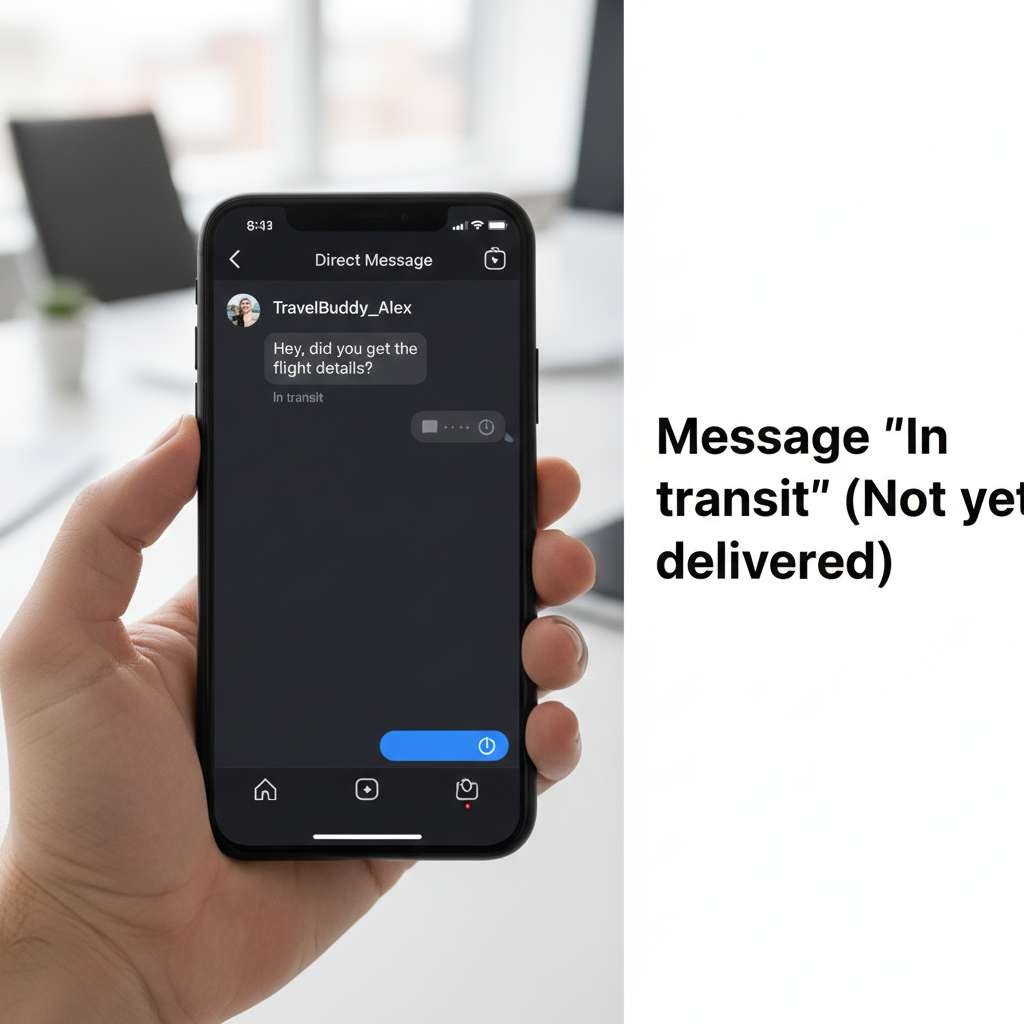
Real-life example: You send a “Happy Birthday!” text while your friend is on a long flight without Wi-Fi. You will see the dotted circle until their phone reconnects like blue tick on whatsapp.
Common Captions for Delayed Messages:
◦ “Waiting for that reply… ⏳”
◦ “Is your service down?”
◦ “Still en route ✈️”
2. Active Stories (Profile Picture Ring)
You might also notice a dotted outline appearing around someone’s profile picture at the top of your feed.
This signifies that the user is currently active in their stories or has recently posted a new update/story for you to check out. It’s a friendly nudge inviting you to engage with their latest content.
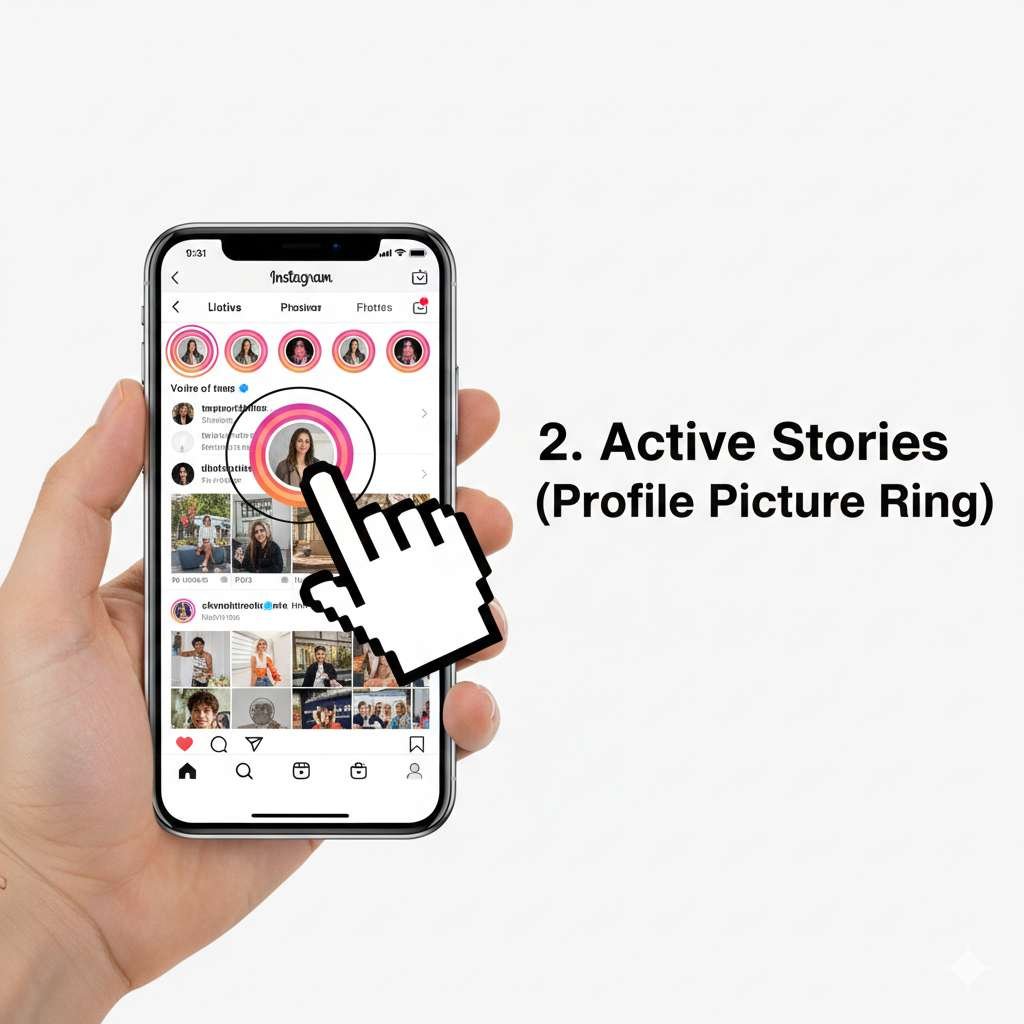
Real-life example: You’re scrolling through your feed and see a dotted ring around your favorite creator’s face, letting you know they just posted a “behind-the-scenes” clip.
Popular Captions for New Stories:
◦ “New update alert! 🚨”
◦ “Catch the latest 🎥”
◦ “Don’t miss out!”
Common Hashtags: #InstaStory #DailyUpdate
3. Screenshot Notifications
In the context of Vanish Mode, the dotted circle has one more specific job.
If someone takes a screenshot of a message or image while you are in Vanish Mode, Instagram will notify you. A small dotted circle may appear beside the specific message that was captured.
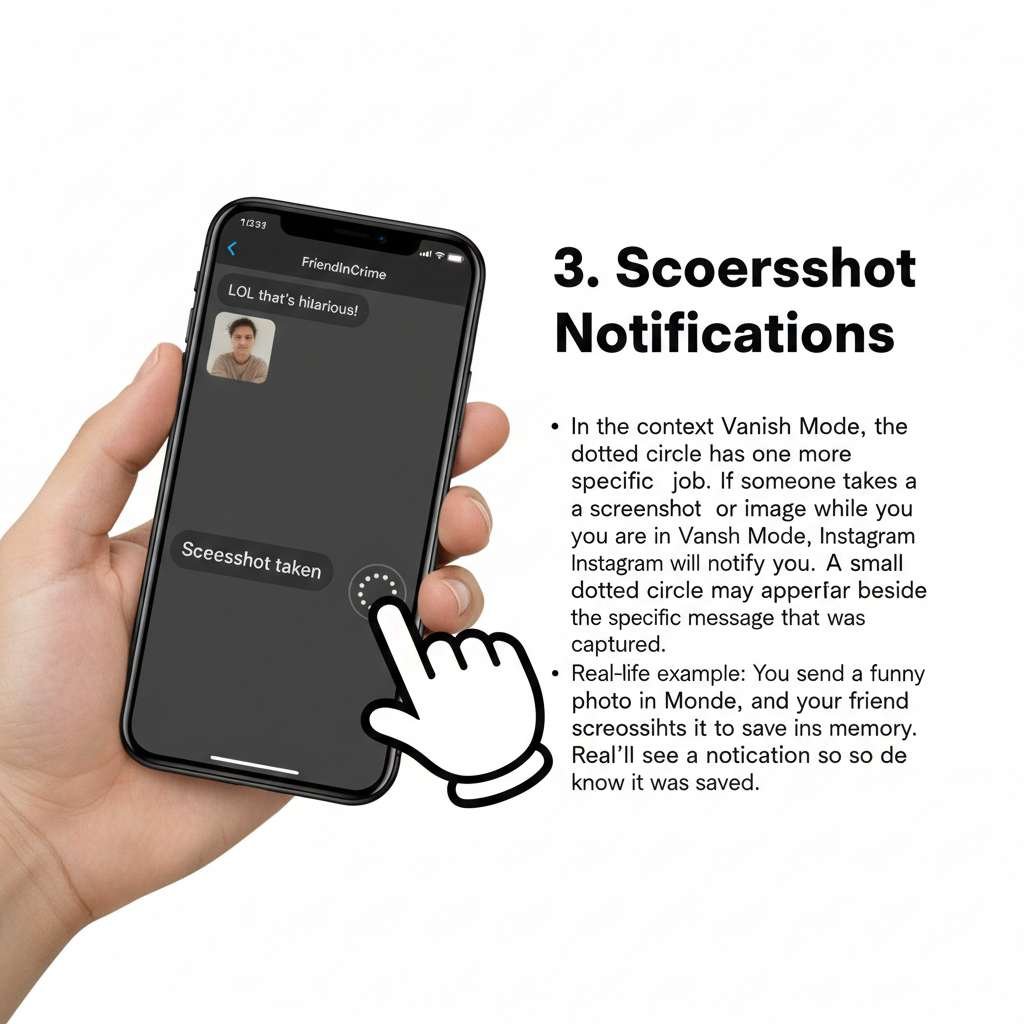
Real-life example: You send a funny photo in Vanish Mode, and your friend screenshots it to save the memory. You’ll see a notification so you know it was saved.
Common Captions for Screenshots:
◦ “Caught in 4K! 📸”
◦ “Screenshotted! 😉”
Beyond The Basics – Advanced Tips And Tricks
While the core functionality of Vanish Mode is straightforward, there are a few advanced tips and tricks that can enhance your experience and maximize its benefits:
Customize Vanish Mode
While Instagram doesn’t offer extensive customization options for Vanish Mode, you can still control its duration.
By default, messages disappear after being viewed once, but you can adjust this setting by swiping up on the chat screen and selecting a different timer option.
Troubleshooting Common Issues
If you encounter any problems with Vanish Mode, such as messages not disappearing or the feature not working correctly, try these troubleshooting steps:
- Check Your Internet Connection: Ensure you have a stable internet connection.
- Update the Instagram App: Make sure you’re using the latest version of Instagram.
- Restart the App: Sometimes, a simple restart can resolve temporary glitches.
Best Practices
To get the most out of Vanish Mode, consider these best practices:
- Use it for Sensitive Conversations: Vanish Mode is ideal for discussing private or confidential matters.
- Be Mindful of Screenshots: While Vanish Mode notifies you if someone takes a screenshot, it’s still a good practice to avoid sharing highly sensitive information.
- Experiment with Different Settings: Try different timer options to find the one that suits your needs.
By following these tips, you can effectively use Vanish Mode and ensure a smooth and enjoyable messaging experience on Instagram.
Vanish Mode and Privacy – A Deeper Dive
Vanish Mode offers a unique level of privacy for Instagram users, ensuring that messages disappear after they’ve been viewed.
However, it’s important to understand the limitations and potential implications of using this feature.
Security Measures
Instagram has implemented measures to enhance the security of Vanish Mode and prevent unauthorized access to messages. These measures include:
- End-to-End Encryption: Messages sent in Vanish Mode are encrypted, making them difficult for third parties to intercept or decipher.
- Notification of Screenshots: If someone takes a screenshot of a Vanish Mode message, you will be notified, providing an additional layer of security.
- Regular Updates: Instagram continuously updates its security protocols to address potential vulnerabilities and ensure the safety of user data.
If You Want To Know About How To Change Suggest Reels On Instagram Click Here
Legal and Ethical Considerations
While Vanish Mode offers a high level of privacy, it’s important to consider the legal and ethical implications of using this feature. Some key points to keep in mind include:
- Consent: Ensure that both parties involved in the conversation have given their consent to use Vanish Mode.
- Misuse: Avoid using Vanish Mode for malicious purposes, such as harassment or spreading misinformation.
- Local Laws: Be aware of local laws and regulations regarding privacy and communication.
Privacy Best Practices
To maximize the privacy benefits of Vanish Mode, consider the following best practices:
- Use Strong Passwords: Protect your Instagram account with a strong and unique password to prevent unauthorized access.
- Be Mindful of Screenshots: While Instagram notifies you if someone takes a screenshot, it’s still advisable to avoid sharing highly sensitive information in Vanish Mode.
- Review Privacy Settings: Regularly review your Instagram privacy settings to ensure that your personal information is protected.
By understanding the security measures, legal considerations, and privacy best practices associated with Vanish Mode, you can make informed decisions about how to use this feature effectively.
FAQs Related Vanish Mode
What is the dotted circle on Instagram DM?
- The dotted circle on Instagram DM signifies that Vanish Mode is activated for the conversation.
How do I activate Vanish Mode?
- To activate Vanish Mode, simply swipe up from the bottom of the chat screen in your Instagram Direct Messages.
Can I take a screenshot of a Vanish Mode message?
- Yes, you can take a screenshot of a Vanish Mode message, but the other person will be notified.
Does Vanish Mode work in group chats?
- Currently, Vanish Mode is only available for one-on-one conversations.
Can I see if someone has read my Vanish Mode message?
- Yes, you can see if someone has read your Vanish Mode message by looking for the “read” receipt (checkmark) next to the message.
Conclusion
The dotted circle on Instagram DM is a visual cue that signifies the activation of Vanish Mode.
This innovative feature allows you to send disappearing messages, ensuring your conversations remain private and temporary.
By understanding the meaning of the dotted circle and how to use Vanish Mode, you can enhance your Instagram messaging experience and enjoy more secure and spontaneous interactions.
So, the next time you encounter this mysterious symbol, remember it’s your gateway to a world of disappearing messages.