Figure Out if Someone Blocked You on Instagram
Ever wondered if someone’s ghosting you on Instagram? Or maybe you’re just paranoid. Either way, we’ve got your back.
This guide will help you figure out if someone’s blocked you on Instagram. No more guessing games or playing detective. Let’s dive in!
Quick Answer: How to Instantly Tell if You’re Blocked on Instagram
Confirming whether you have been blocked on Instagram involves identifying specific platform behaviors that differ from standard account deactivation or privacy settings.
The “No Posts Yet” Telltale Sign
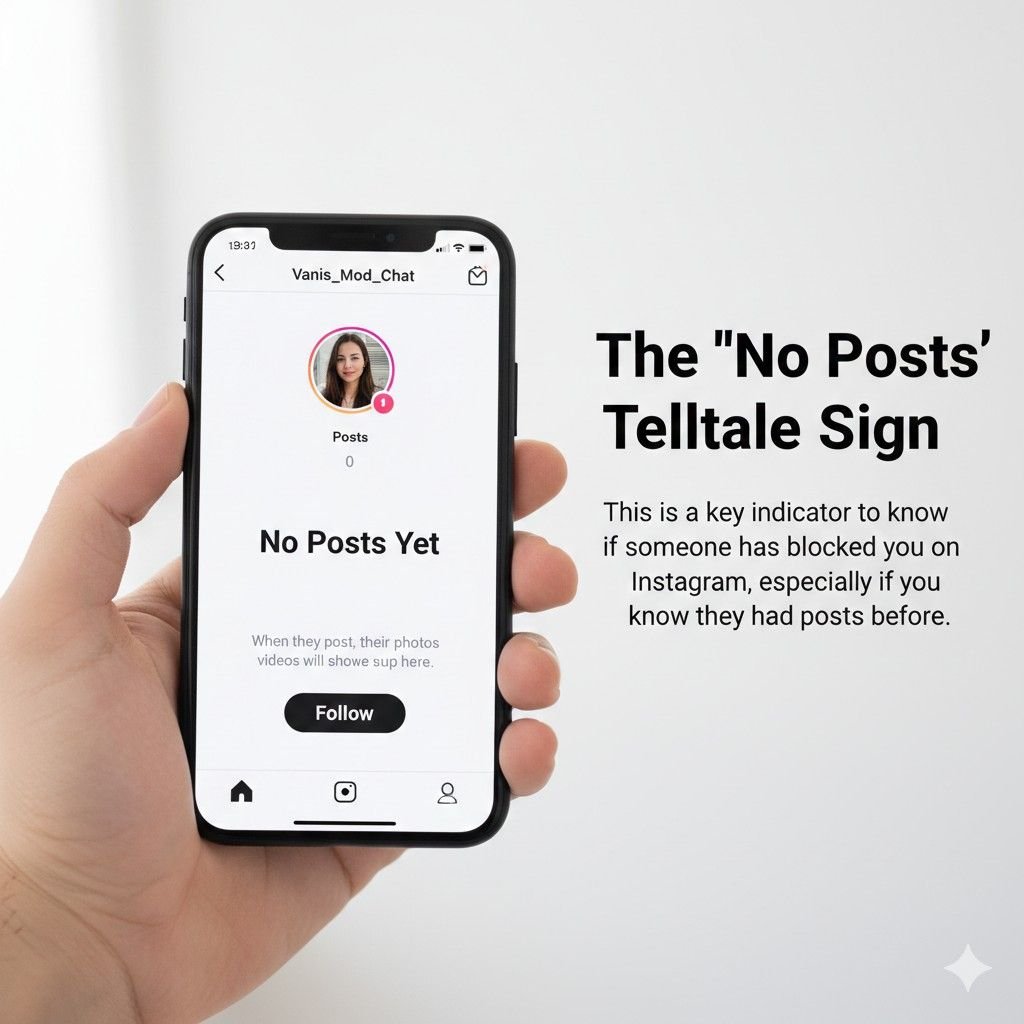
One of the most definitive indicators of a block occurs when you visit a user’s profile and see a non-zero post count at the top of the page, yet the main grid displays a “No Posts Yet” banner.
This discrepancy indicates that the account is active and contains content, but the server is explicitly preventing your specific account from viewing it.
The Profile URL Test (The Most Reliable Method)
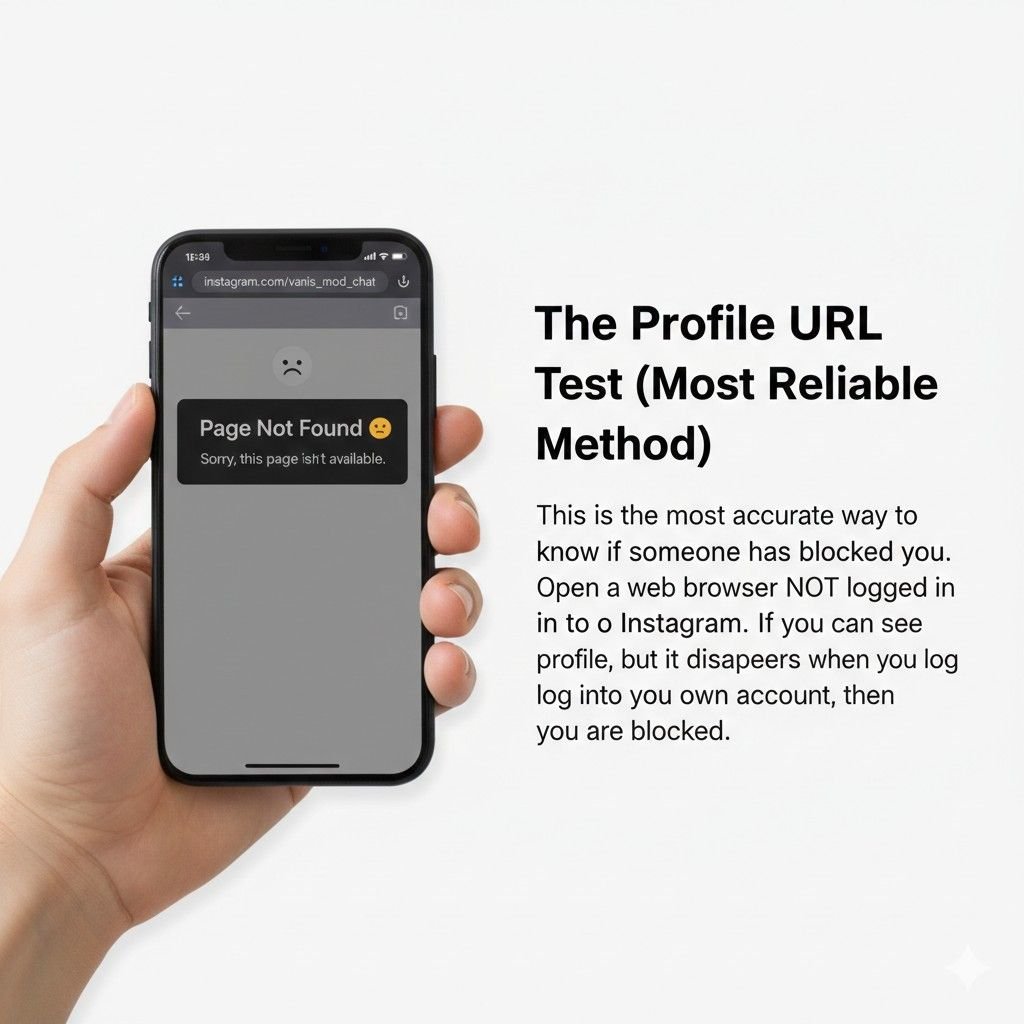
Every Instagram account has a unique web address: instagram.com/username. To verify a block, enter this URL into a web browser while logged into your account.
If you receive a “Sorry, this page isn’t available” error, log out or open the link in an incognito browser window. If the profile is visible while logged out but unavailable while logged in, your account has been blocked.
Immediate Indicators in Direct Messages
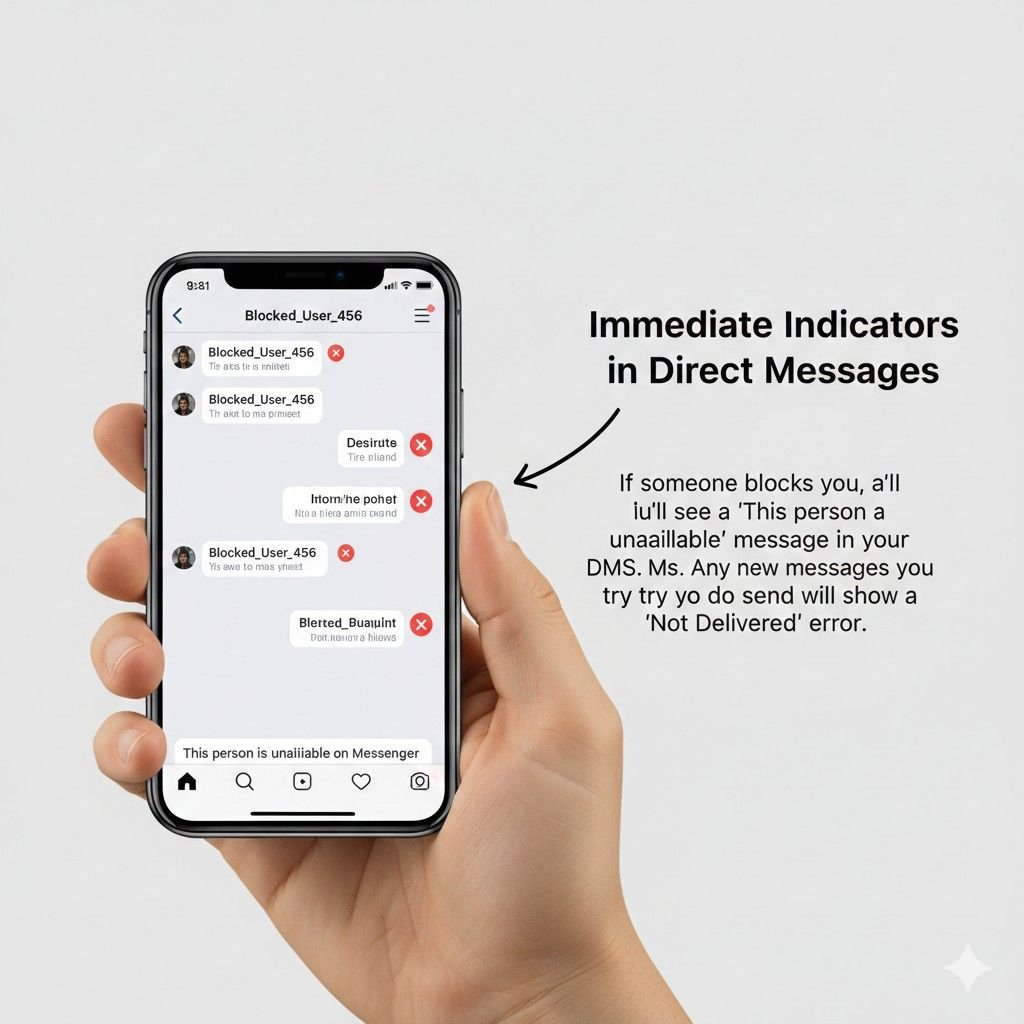
In your Direct Message (DM) inbox, a blocked user’s name often changes to “Instagram User”. Additionally, their profile picture will disappear, leaving a default blank icon.
While previous message threads remain visible to you, you will no longer see their “Active Now” status or “Seen” receipts for any new messages sent.
7 Methods To Check If Someone Blocked You on Instagram
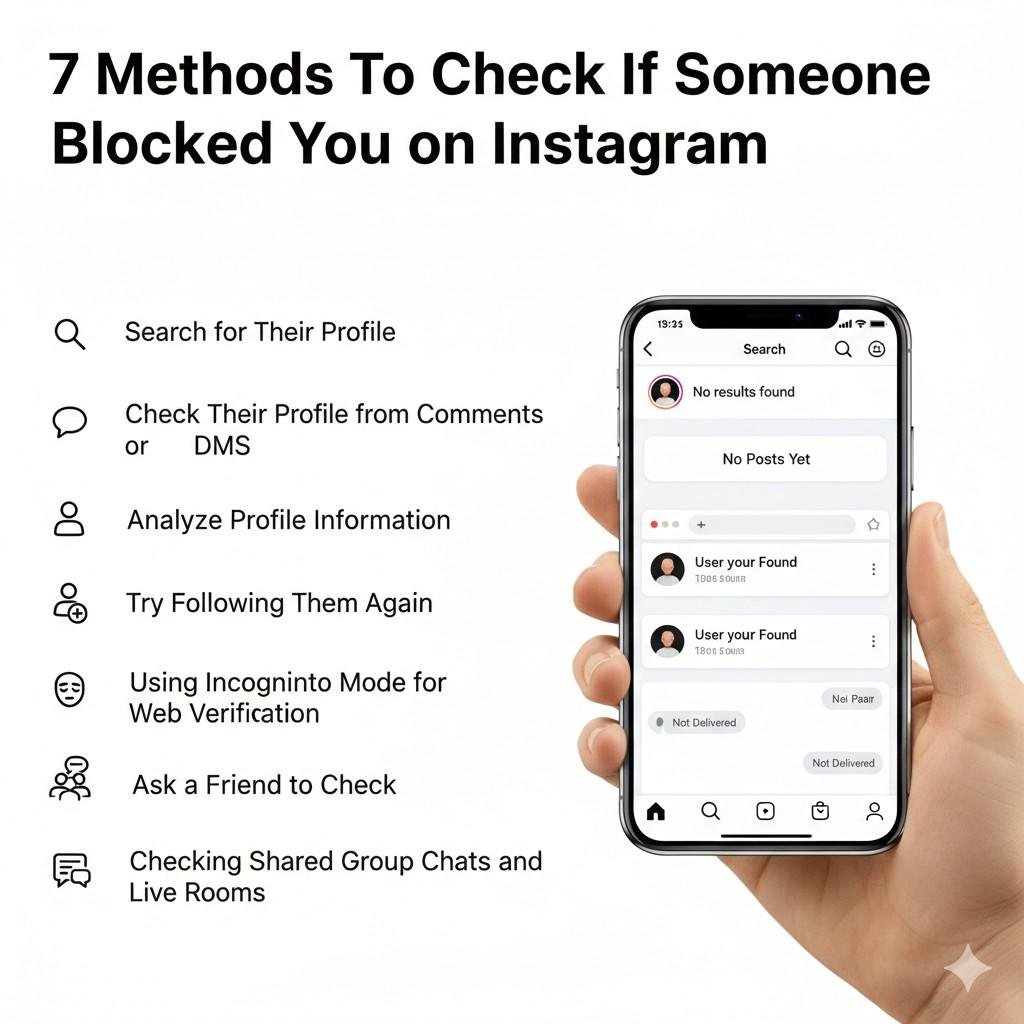
Let’s dive deeper into the methods to check if someone’s blocked you on Instagram:
1. Search for Their Profile
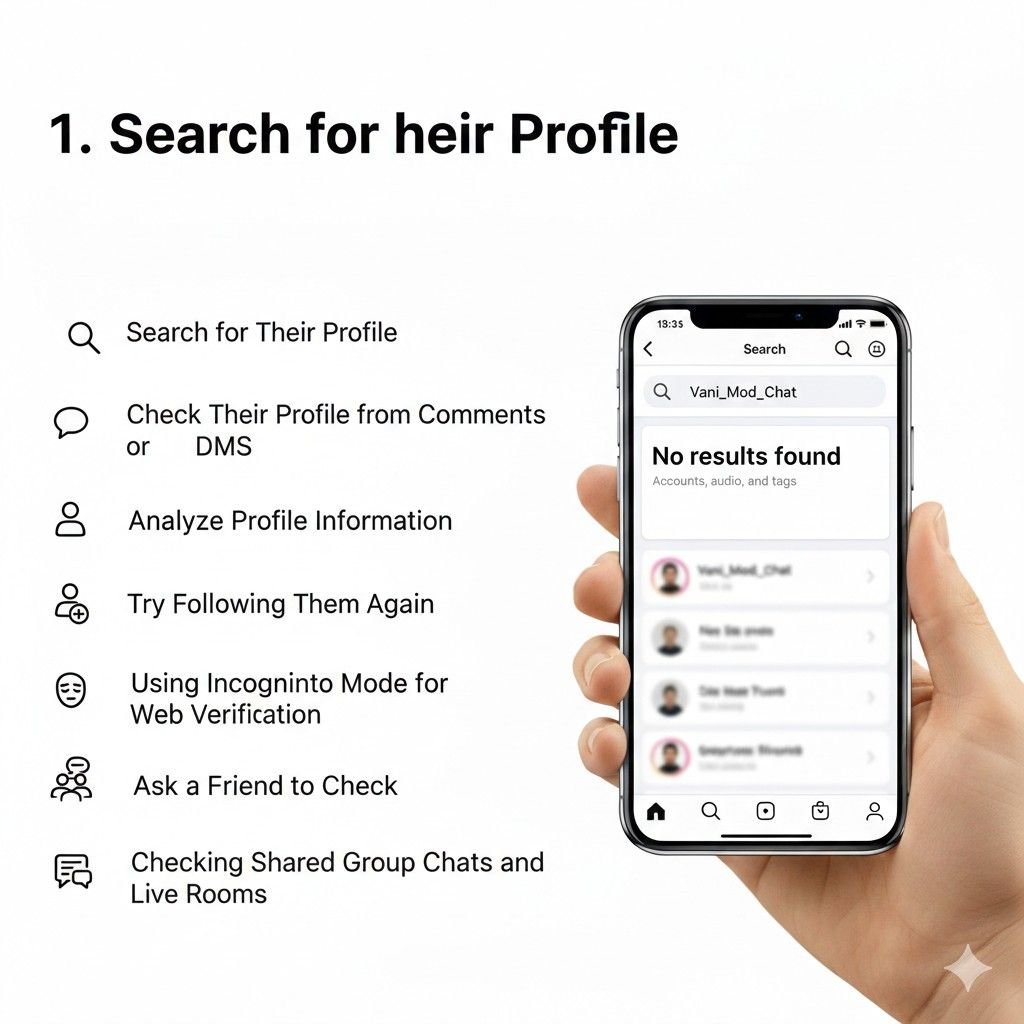
Attempt to find the account using the Instagram app’s search bar. If you enter the exact, correct username and no results appear, it suggests the user has either blocked you, changed their handle, or deleted their account.
- Direct Search: Open the Instagram app and go to the search bar. Type in their username and see if it appears in the results. If it doesn’t, they might have blocked you or deleted their account.
- Web Search: Visit https://www.instagram.com/ and enter their username in the search bar. If you can’t find their profile, they might have blocked you or deactivated their account.
2. Check Their Profile from Comments or DMs
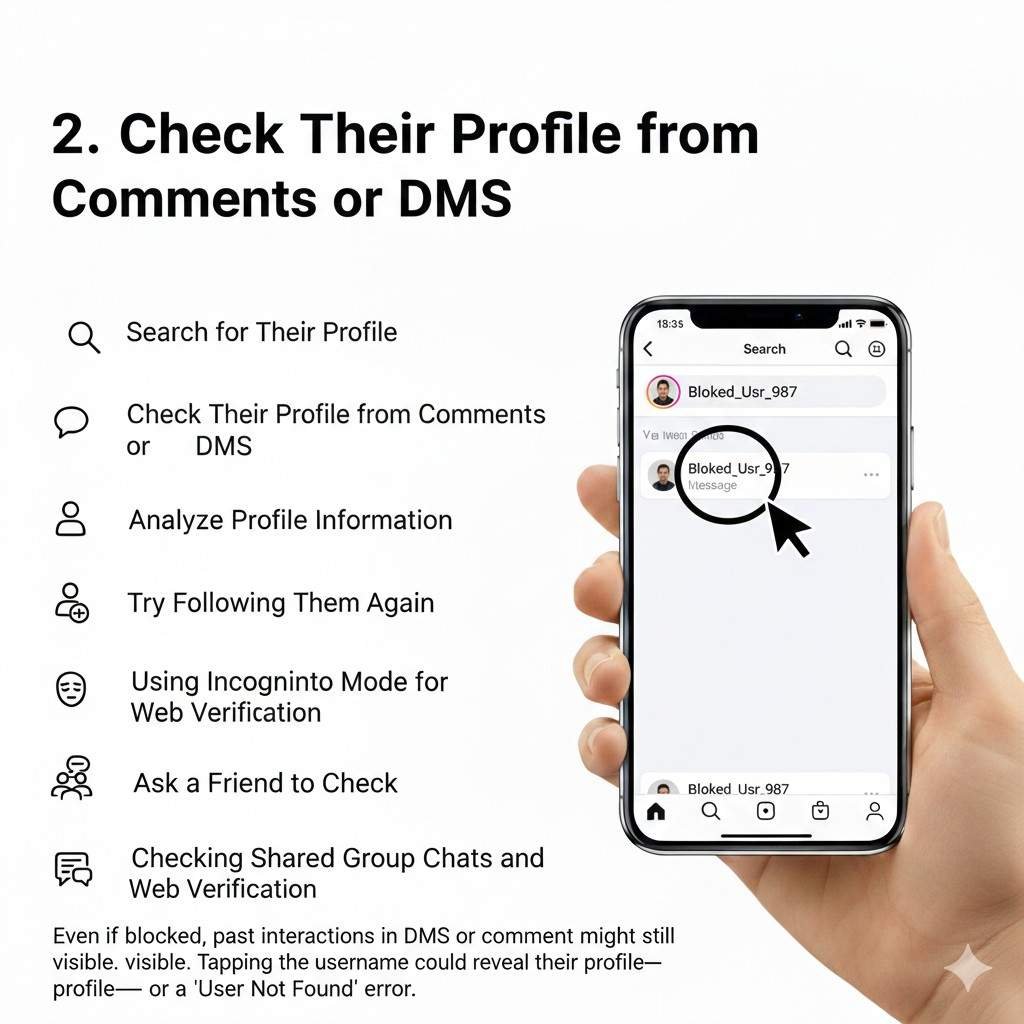
Locate an old comment they left on your posts or a previous DM thread. Tap their profile icon or username.
If the resulting page is blank or shows the “User Not Found” error, yet you know they are active on the platform, the block is confirmed.
- Find an Old Interaction: Locate an old comment or direct message they’ve left on your profile.
- Tap on Their Username: This should take you to their profile page.
- Observe Visibility: If you can’t see their profile or their posts, they might have blocked you.
3. Analyze Profile Information
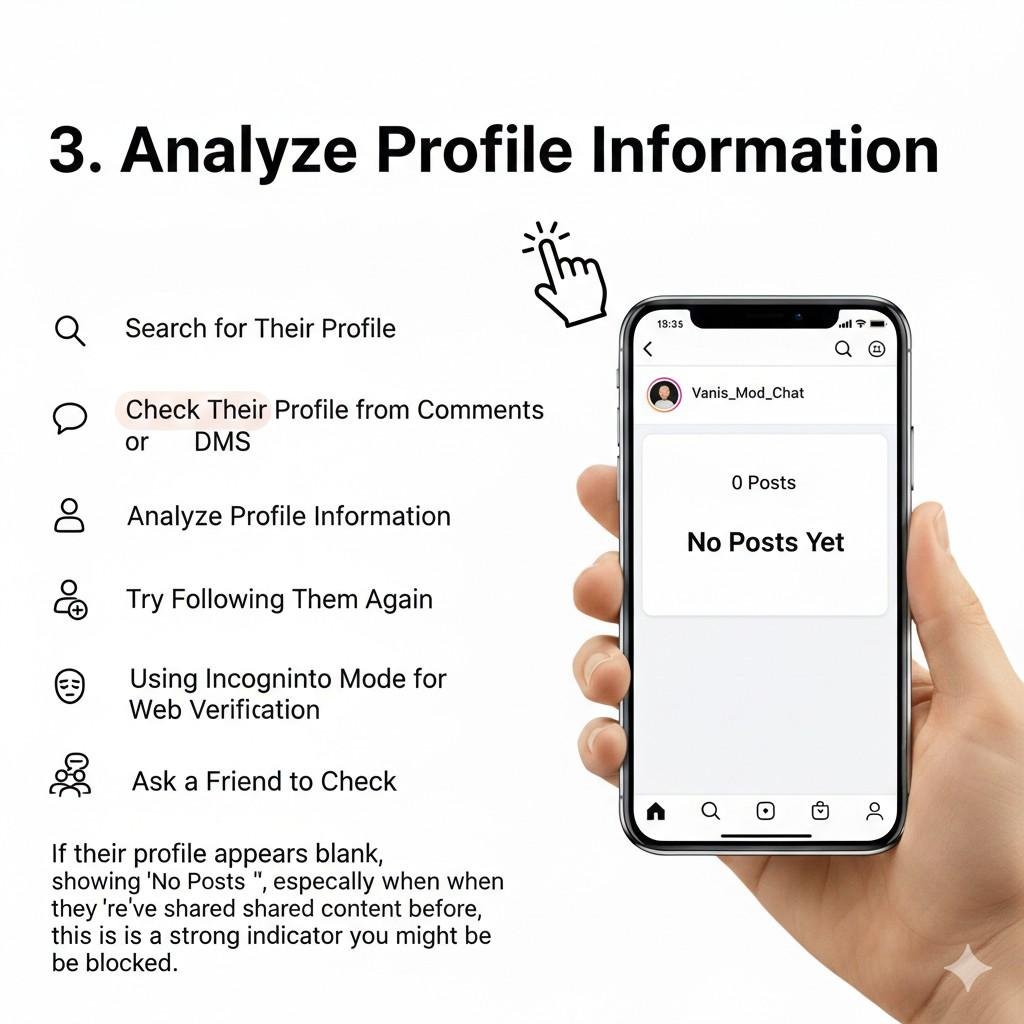
- Private Account: If their profile is set to private, it doesn’t necessarily mean they’ve blocked you. You can send them a follow request to see if they accept.
- “No Posts Yet”: If their profile shows this message, it’s a strong indicator they’ve blocked you.
- Missing Bio or Follower Information: If you can’t see their bio or follower/following counts, it’s another sign of potential blocking.
4. Try Following Them Again
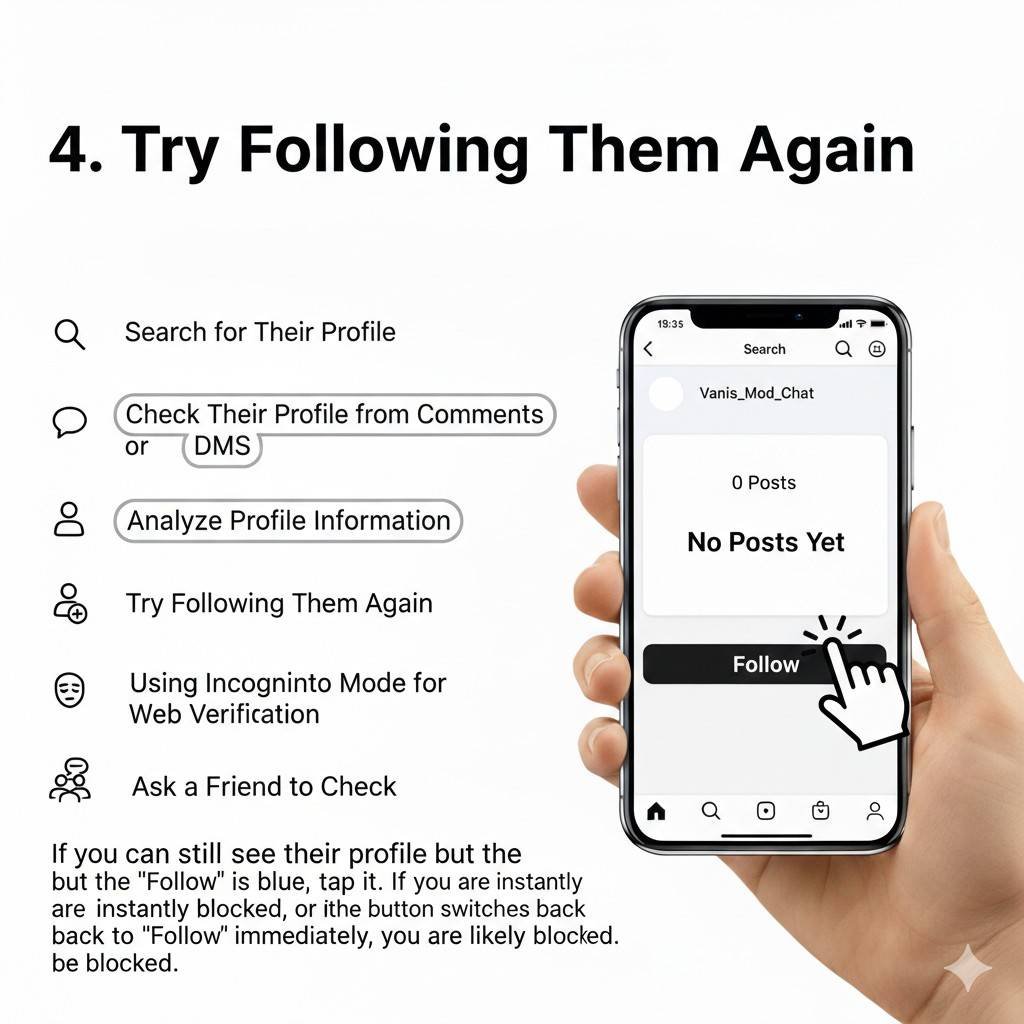
If you can reach their profile page through a direct link or old interaction, try tapping the “Follow” button. If you are blocked, the button may briefly change to “Requested” or “Following” before instantly reverting to “Follow”. This is a server-side rejection of your request.
- Follow Request: If you can see their profile, try following them.
- Blocked Status: If you’re unable to follow them, it’s a clear indication they’ve blocked you.
5. Using Incognito Mode for Web Verification
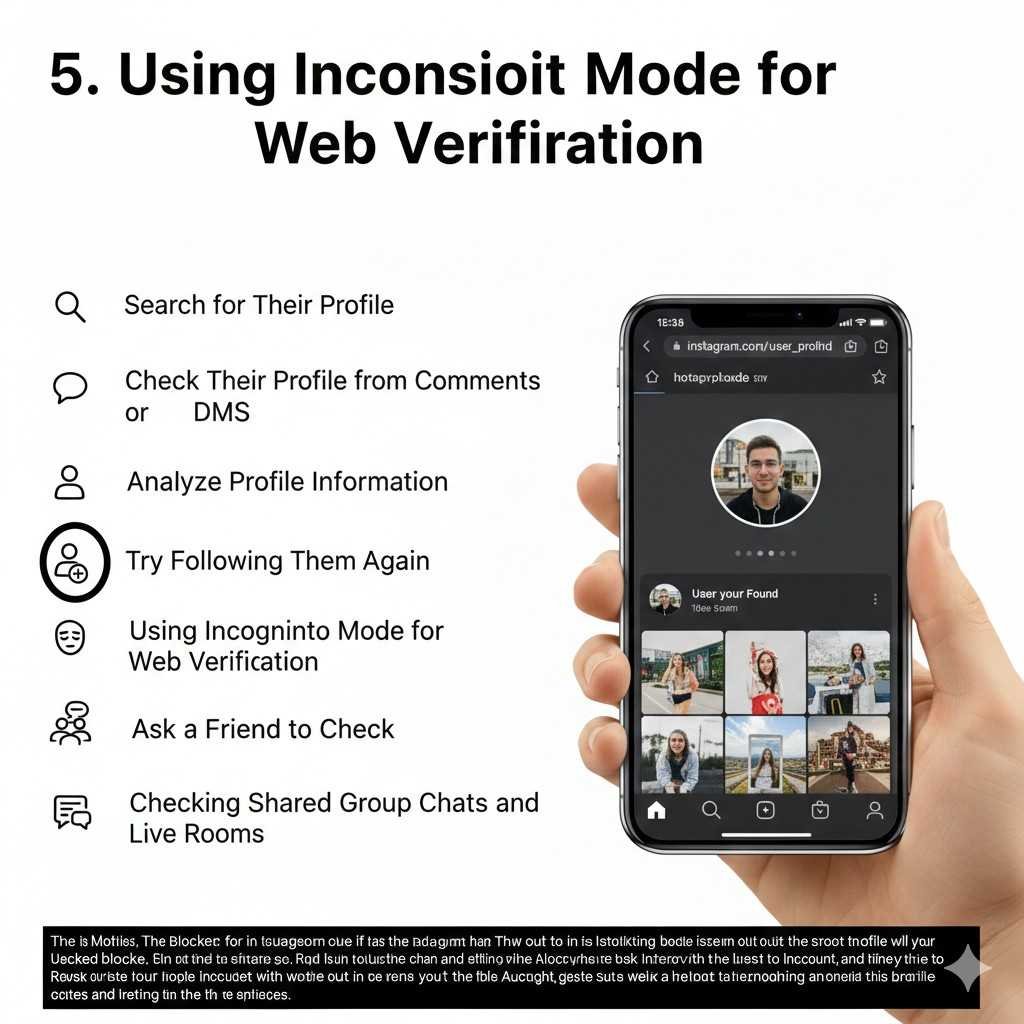
As mentioned in the quick answer, using a browser’s incognito mode is a critical troubleshooting step. It ensures that the “Page Not Found” error is not due to a platform-wide account deactivation.
If the page loads without your login credentials, the account is live, and the restriction is specific to your user ID.
- Web Search: If you can’t find their profile on the web, they might have blocked you or deleted their account.
- Incognito Mode: Try searching in incognito mode to rule out any login issues.
6. Ask a Friend to Check
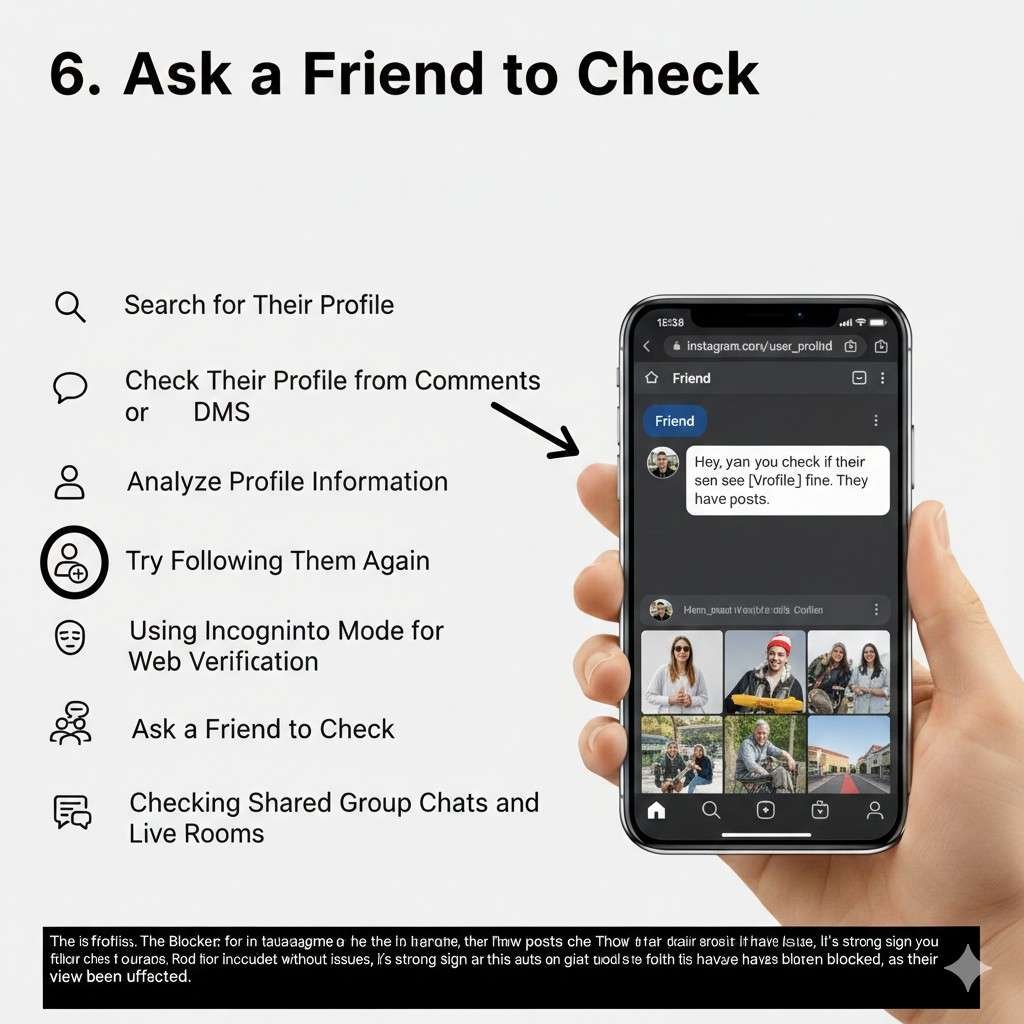
Ask a mutual friend to search for the profile or use a secondary “burner” account.
If the account is visible and fully functional for others but remains invisible to you, your primary account is on their block list.
- Mutual Friend: Have a friend search for their profile.
- Comparison: If your friend can see their profile but you can’t, it’s a strong sign of being blocked.
Method 7: Checking Shared Group Chats and Live Rooms
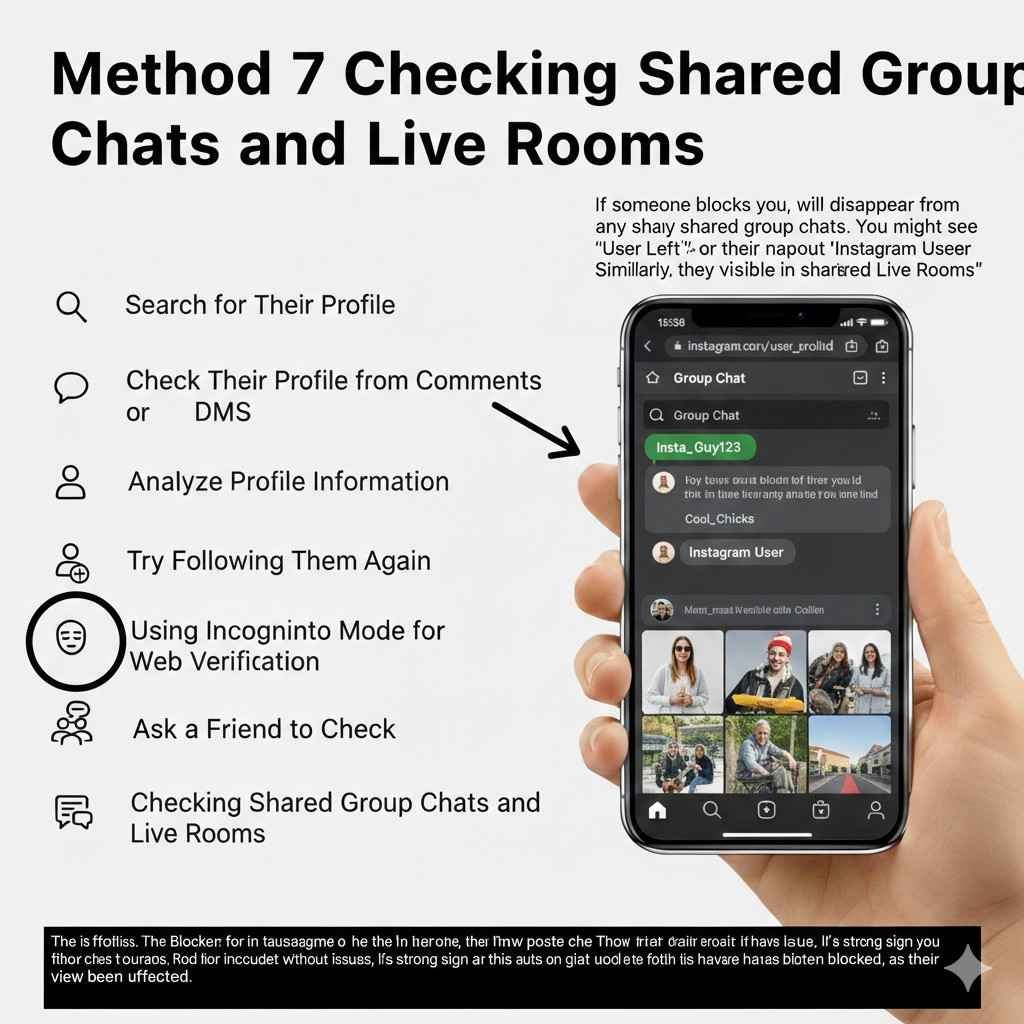
Check mutual group chats. If the user is still a participant, you may be able to see their messages within the group, but you won’t be able to click through to their profile.
Furthermore, you cannot join a Live Room if any participant in that room (including the host) has blocked you.
Remember: While these methods can provide strong indicators, it's important to consider other factors like account deactivation or privacy settings. If you're still unsure, try combining multiple methods for a more conclusive assessment.
Beyond Blocking: Understanding Muting vs. Restricting
How “Restrict” Quietly Silences You
The “Restrict” feature is designed to handle harassment discreetly. If someone restricts you, you can still view their profile, posts, and stories. However, any comments you leave on their posts will only be visible to you and the account owner unless they choose to approve them.
The “Mute” Feature: When They Just Need a Break
Muting is a feed-management tool. It allows a user to hide your posts, stories, or notes from their personal feed without unfollowing or blocking you. You will have no indication that you have been muted; you can still message them and view their content.
Block vs. Restrict: A Comparative Breakdown
- Visibility: Blocking hides all content; restricting keeps content visible.
- Messaging: Blocked users’ messages are never delivered. Restricted users’ messages move to the “Requests” folder, and the sender will never see a “Seen” receipt.
- Interaction: Blocking is a “communication blackout”. Restricting is a “silent observer” mode where the user can still monitor your activity without engagement..
No Notifications
Instagram doesn’t offer any notifications about being blocked. It’s a silent auction, leaving you to piece together the puzzle on your own. This can make it even more frustrating to realize you’ve been blocked.
Ever accidentally sent a disappearing message on Instagram and wished you could keep it? No worries! We've got you covered. Check out our guide on how to easily turn off Vanish Mode and make those messages last.
Limited Visibility
In some cases, you might still catch glimpses of their activity through mutual friends or public comments. However, you won’t be able to interact with them directly or view their profile. It’s like seeing a shadow of their presence but without the ability to engage.
Respecting Their Decision
It’s important to remember that blocking is a personal decision made by the user. They have the right to control their online experience and curate their interactions. While it can be disheartening to be blocked, it’s crucial to respect their decision and avoid any attempts to circumvent it.
Moving Forward
Being blocked can be a blow to your online ego, but it’s important to focus on the positive aspects of your Instagram experience. There are countless other users to connect with and engage with. Take this opportunity to discover new accounts, explore different interests, and create meaningful connections with like-minded individuals.
Remember, blocking is a tool for managing online interactions. While it can be frustrating, it's also a way to protect yourself from unwanted or harmful content. By understanding the implications of being blocked, you can better navigate the social media landscape and maintain a positive online experience.
Technical Mechanics: What Happens Behind the Scenes?
Server-Side Responses: Why You See “User Not Found”
When an account is blocked, Instagram’s server filters out all data requests associated with the blocked User ID. When you attempt to load a profile, the server returns a null response for that specific user, resulting in the “User Not Found” or “Page Not Available” errors.
Data Retention: Why Old Messages Don’t Disappear
Instagram retains historical data. Blocking does not delete previous DM conversations or comments made before the block occurred. These remain as static records in your database, though the links to the other user’s profile become inactive.
The Mutual Block Logic: Why You Can’t Unblock Them
When a user blocks you, Instagram automatically applies a mutual block logic. This means that neither party can search for or view the other’s profile. If you block someone, you are also restricted from seeing their updates until you manually unblock them.
Common Reasons For Blocking On Instagram
Blocking someone on Instagram is a serious decision, often made in response to specific behaviors or situations.
Here are some common reasons why people might resort to blocking:
- Inappropriate Behavior: Engaging in offensive, harassing, or bullying behavior can lead to being blocked. This includes sending offensive messages, making threats, or spreading hate speech.
- Violation of Privacy: Sharing someone’s personal information without their consent, stalking them, or excessively messaging them can also trigger a block. Respecting others’ privacy is essential for maintaining positive online interactions.
- Spamming or Scamming: Engaging in spamming activities, such as sending unsolicited messages, posting spammy content, or attempting to scam others, is another common reason for being blocked.
- Conflict or Negative Interactions: Constantly engaging in arguments, conflicts, or spreading negativity can lead to being blocked. It’s important to maintain a respectful and positive online environment.
- Personal Choice: Sometimes, people may choose to block someone simply because they don’t want to interact with them anymore. It could be a personal decision based on various reasons, such as a falling out, differing opinions, or simply wanting to declutter their online space.
- Safety Concerns: If someone feels unsafe or threatened by another user, they may block them as a safety measure. This can be especially important for young users or those who have experienced online harassment.
- Curating a Positive Online Experience: Blocking can be a way for users to curate their online experience and create a more positive and enjoyable environment. By blocking unwanted users, they can avoid negative interactions and maintain a healthy online presence.
It's important to remember that blocking is a personal decision, and the reasons for it can vary greatly. Understanding these common reasons can help you avoid being blocked and maintain positive relationships on Instagram.
Privacy & Security Considerations
Instagram’s Silence Policy: Why No Notifications?
Instagram does not notify users when they are blocked to protect the privacy and safety of the person initiating the block. This prevents immediate escalation of conflicts or retaliation.
When Blocking is a Safety Requirement (Cyberbullying & Reporting)
Blocking is a primary tool for managing online risks, including harassment, spam, and cyberbullying. If a user violates community guidelines, the block feature can be paired with a report, which triggers a review by Instagram’s safety team.
Ethical Interaction: Respecting the Digital Boundary
Being blocked is often a personal choice regarding a user’s digital space. It is considered best practice to respect the decision and avoid using secondary accounts or mutual friends to circumvent the block, as this can be perceived as harassment.
False Positives: Is it a Block or Something Else?
Deactivated vs. Deleted Accounts
A deactivated or deleted account will show symptoms nearly identical to a block: it will not appear in search and its profile URL will show an error. The key difference is that a deleted account is invisible to everyone, whereas a blocked account is only invisible to you.
Username Changes and Profile Migrations
If a user changes their handle, their old profile URL will no longer work. You may think you are blocked when you are simply searching for an outdated handle. Check your DM history to see if a new name has appeared in the chat header.
Instagram Bans and Account Suspensions
If Instagram bans an account for violating terms of service, it will disappear from the platform entirely. This is a platform-level action and is not directed at you personally.
Shadowbanning: Platform-Level vs. User-Level Restriction
Shadowbanning occurs when Instagram reduces the visibility of a user’s content (such as preventing it from appearing on the Explore page or under hashtags). This is different from a block; you will still be able to find and interact with a shadowbanned account if you search for them directly.
Advanced Troubleshooting for Edge Cases
Why You Can See Their Profile but No Content
This “empty grid” effect specifically confirms a block where the account is set to public or where your cached data still recognizes the profile link, but the server refuses to deliver the actual posts to your device.
Dealing with “Instagram User” Display Names
The “Instagram User” label is a placeholder used when the system cannot link a message thread to an active, unblocked profile. It is a common symptom for both blocked accounts and those that have been fully deleted.
The Group Chat “Glimpse”: Seeing Activity Without Access
If you are in a group chat with a blocker, you may still see their messages. Instagram does not automatically remove a blocker from shared groups, but it may give them a warning or option to leave. This provides a “glimpse” of their activity despite being blocked from their individual profile.
Best Practices for Navigating Digital Conflicts
Avoiding Third-Party “Who Blocked Me” Apps (Security Risks)
You should avoid third-party apps that claim to show you a list of people who have blocked you. These apps are not authorized by Instagram and often pose significant security risks, including account hacking or data theft.
How to Move Forward After Being Blocked
Finding out you have been blocked can be disheartening, but the best approach is to focus on your own content and other meaningful connections. Digital boundaries are a part of modern social media, and moving on is the healthiest response.
Conclusion
Uncovering the truth about whether someone has blocked you on Instagram requires a combination of methods and careful analysis.
By following the steps outlined in this guide, you can piece together the clues and determine the truth.
Remember, blocking is a personal decision, and it’s important to respect others’ choices.
While it can be frustrating to be blocked, it’s also an opportunity to re-evaluate your online interactions and focus on building positive relationships.
Key Takeaways:
- Use a combination of methods for accurate results.
- Consider the context and other factors.
- Respect others’ decisions and maintain positive interactions.
By understanding the implications of blocking and practicing responsible social media behavior, you can navigate the world of Instagram with confidence and avoid unnecessary conflicts.
FAQs – Understanding Instagram Blocking
Q: How can I tell if someone blocked me on Instagram for sure?
A: While there’s no definitive way to be 100% certain, combining multiple methods from the guide can provide strong evidence. If you’re unable to find their profile, view their posts, or interact with them in any way, they’ve likely blocked you.
Q: Can I see who blocked me on Instagram?
A: Unfortunately, Instagram doesn’t provide a list of users who have blocked you. You’ll need to use the methods outlined in the guide to investigate individual accounts.
Q: What happens if I block someone on Instagram and then unblock them?
A: If you block someone and then unblock them, they won’t receive a notification. However, they will be able to see your profile and posts again.
Q: Can I still see someone’s posts if they blocked me?
A: Generally, no. If someone has blocked you, their posts and stories will become invisible to you. However, in some rare cases, you might see their content through mutual friends or public comments.
Q: Can I message someone who blocked me on Instagram?
A: No, you cannot send direct messages to someone who has blocked you. Your messages will be undeliverable.
Q: What if someone blocked me accidentally?
A: If you believe you’ve been blocked accidentally, you can try reaching out to the user through other channels, such as email or a shared mutual friend. However, there’s no guarantee they will unblock you.
Q: Can I unblock someone on Instagram after they’ve blocked me?
A: Yes, you can unblock someone on Instagram. Go to their profile, tap the three dots in the top right corner, and select “Unblock.”
Q: Is there a third-party app to check if someone blocked you on Instagram?
A: While there may be third-party apps claiming to reveal blocked users, their reliability can be questionable. It’s generally more reliable to use the methods outlined in the guide.
Q: What should I do if I’m being blocked repeatedly?
A: If you find yourself being blocked by multiple users, it’s worth reevaluating your online behavior and interactions. Consider whether there’s something you can change to improve your relationships on Instagram.