To turn off Vanish Mode on Instagram, open the specific Direct Message (DM) thread where the feature is active.
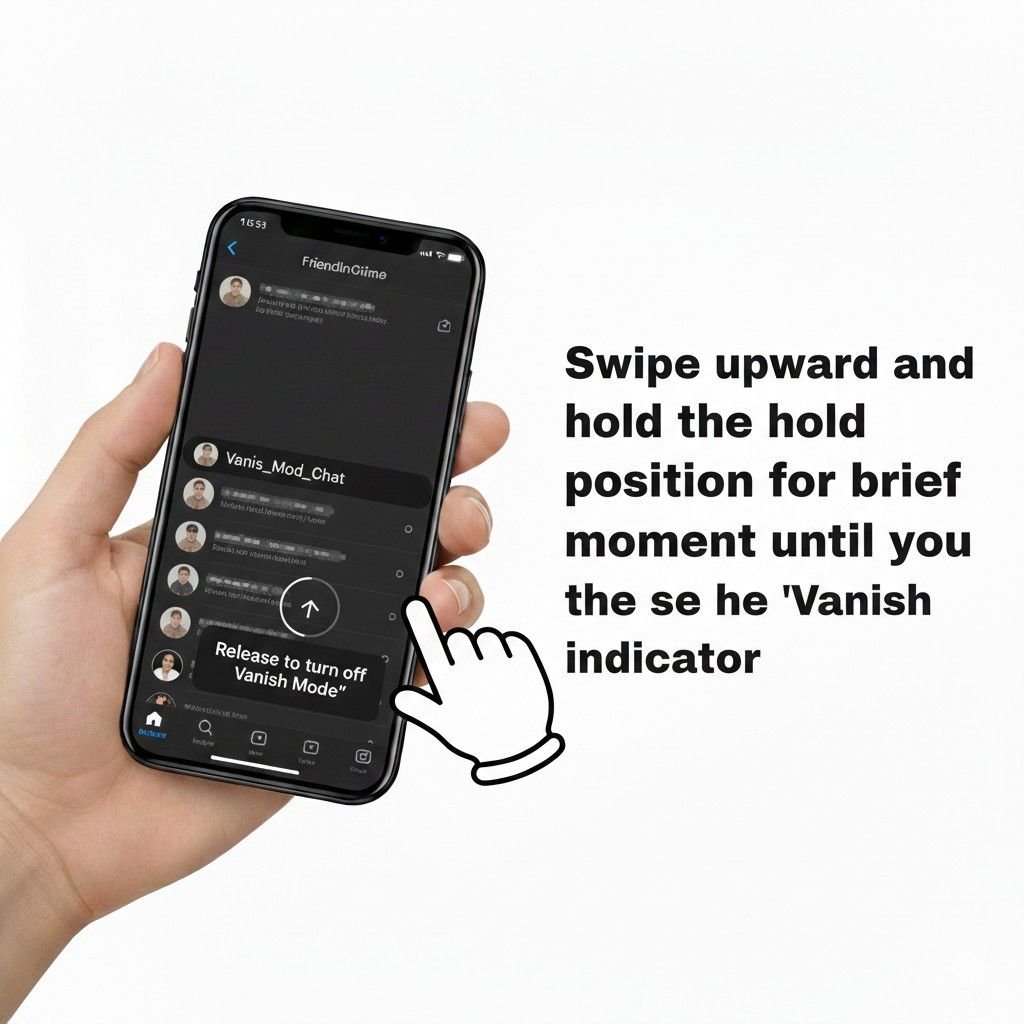
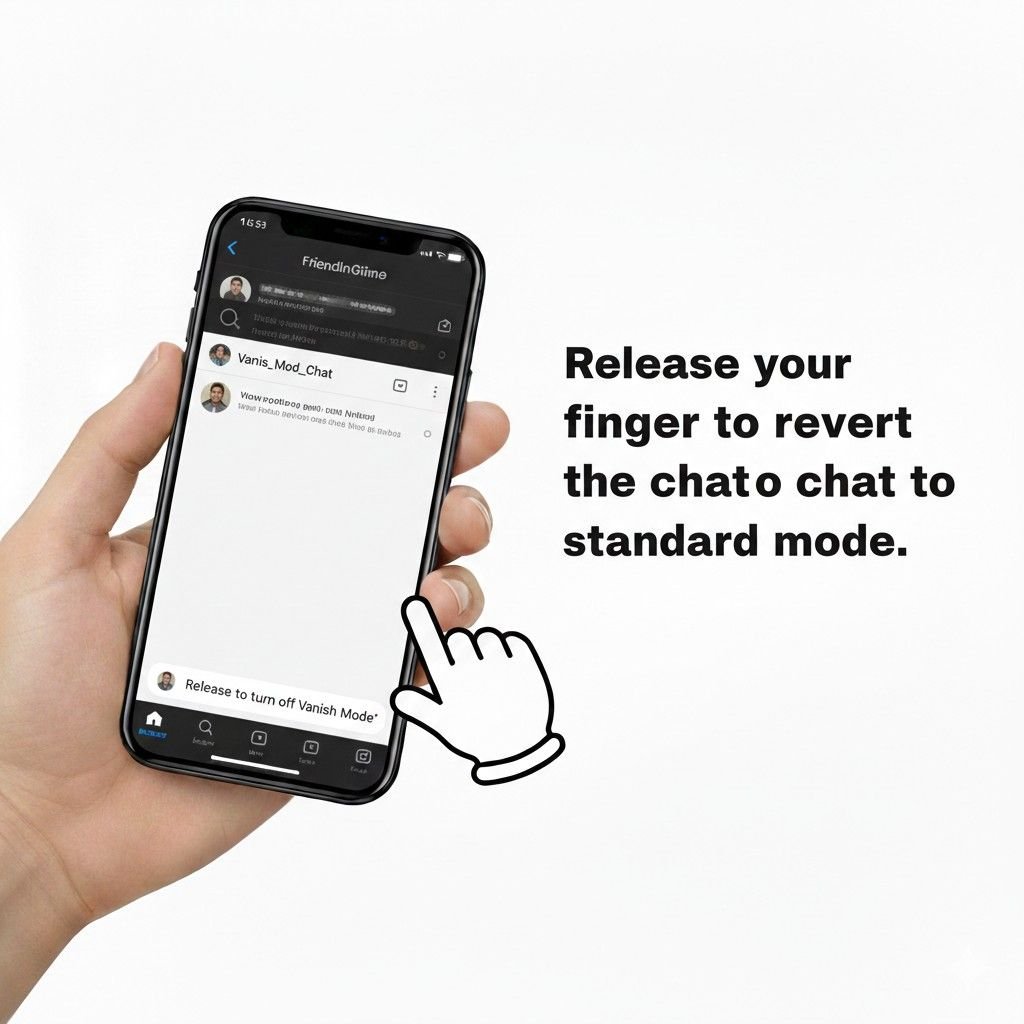
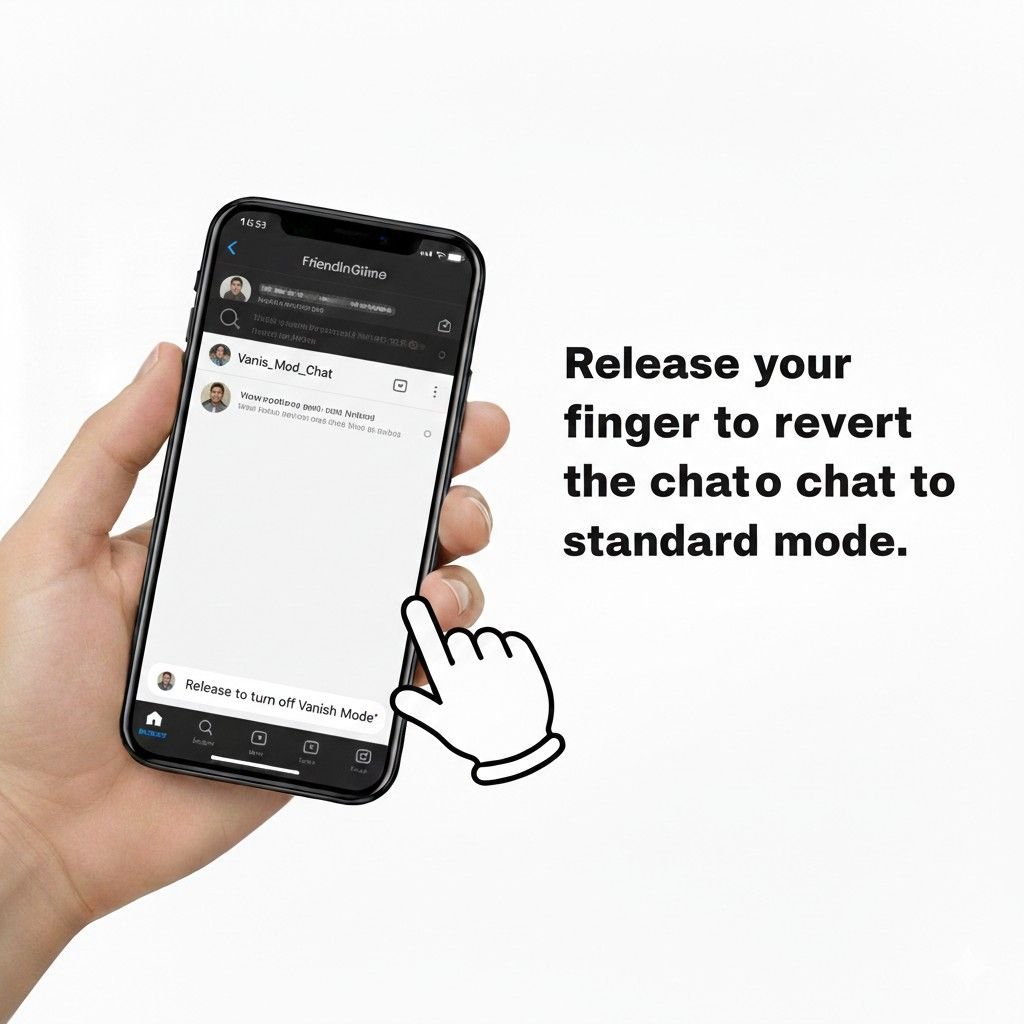
Swipe up from the bottom of the chat interface and hold your finger until the prompt “Release to turn off Vanish Mode” appears at the bottom of the screen. Upon releasing your finger, the feature is disabled immediately.
This operation is exclusive to the Instagram mobile app for Android and iOS; it cannot be performed via a web browser.
You will know the process was successful through a clear visual confirmation: the chat background will transition from the specialized dark theme back to your default light or dark display setting, and previously hidden messages from your standard chat history will reappear.
Step-by-Step Instructions
Method 1: The Swipe Gesture (Primary Deactivation)
The swipe gesture is the most efficient way to toggle the ephemeral/disappearing messaging state. While the logic is similar across devices, the tactile response varies slightly by operating system.
Steps for Android:
- Launch the Instagram App and tap the Messenger icon or paper airplane in the top right.
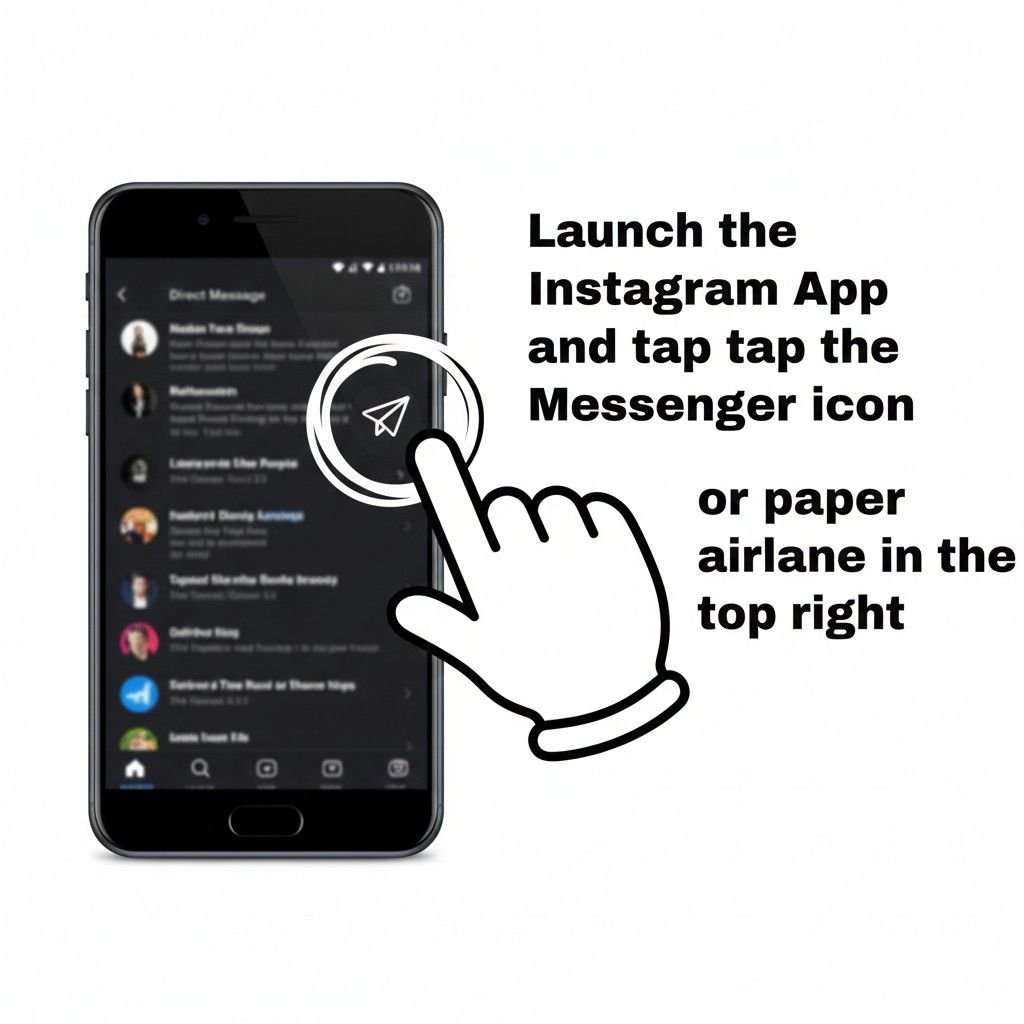
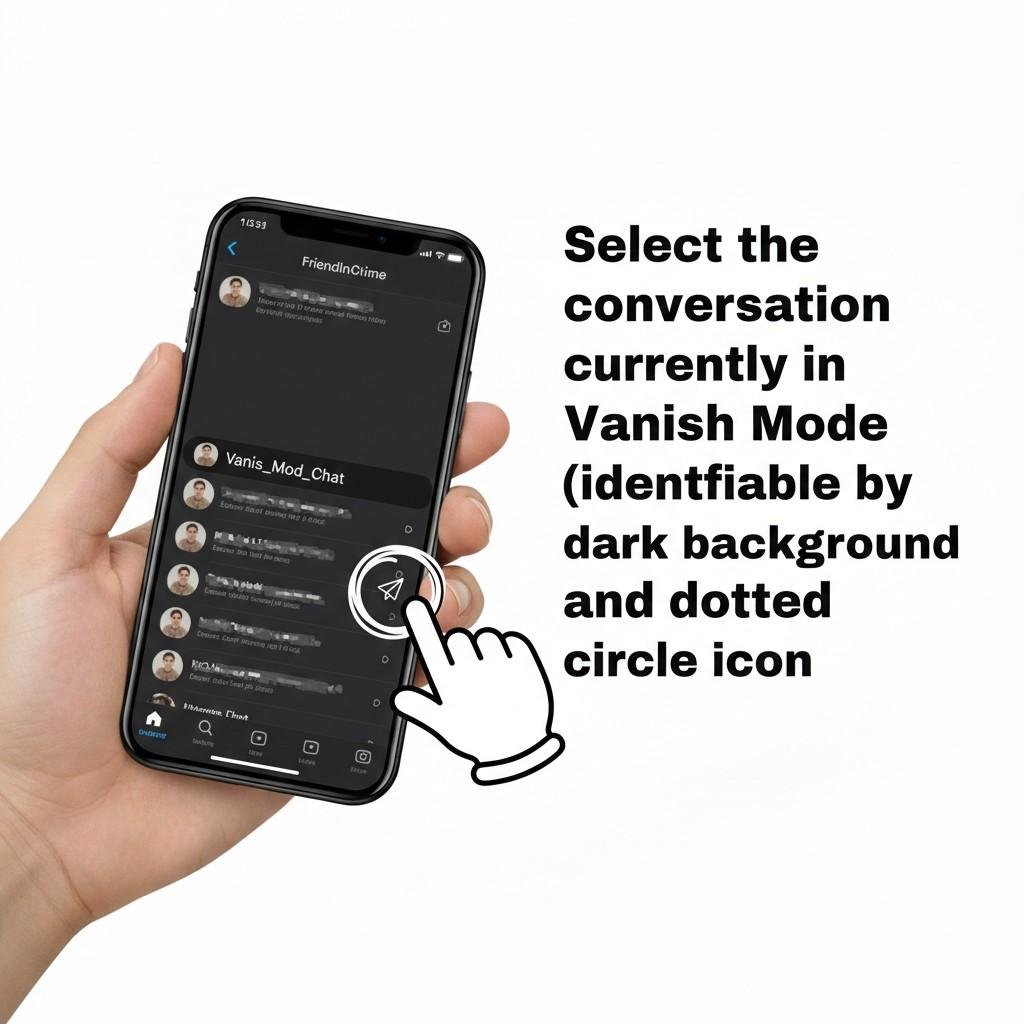
- Select the conversation currently in Vanish Mode (identifiable by the dark background and dotted circle icon).
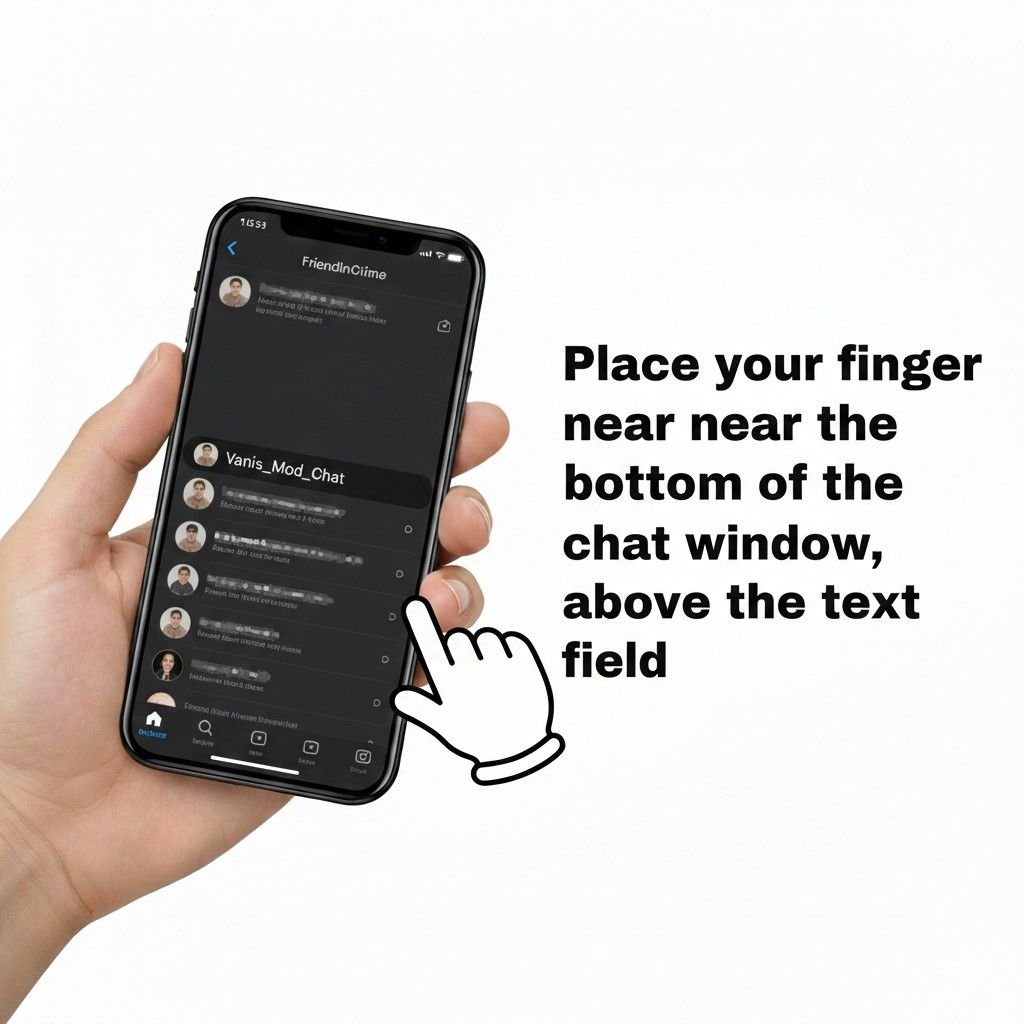
- Place your finger near the bottom of the chat window, above the text input field.
- Swipe upward and hold the position for a brief moment until you see the “Release to turn off Vanish Mode” indicator.
- Release your finger to revert the chat to the standard mode.
Steps for iPhone (iOS):
- Open the Instagram DM section from your home feed.

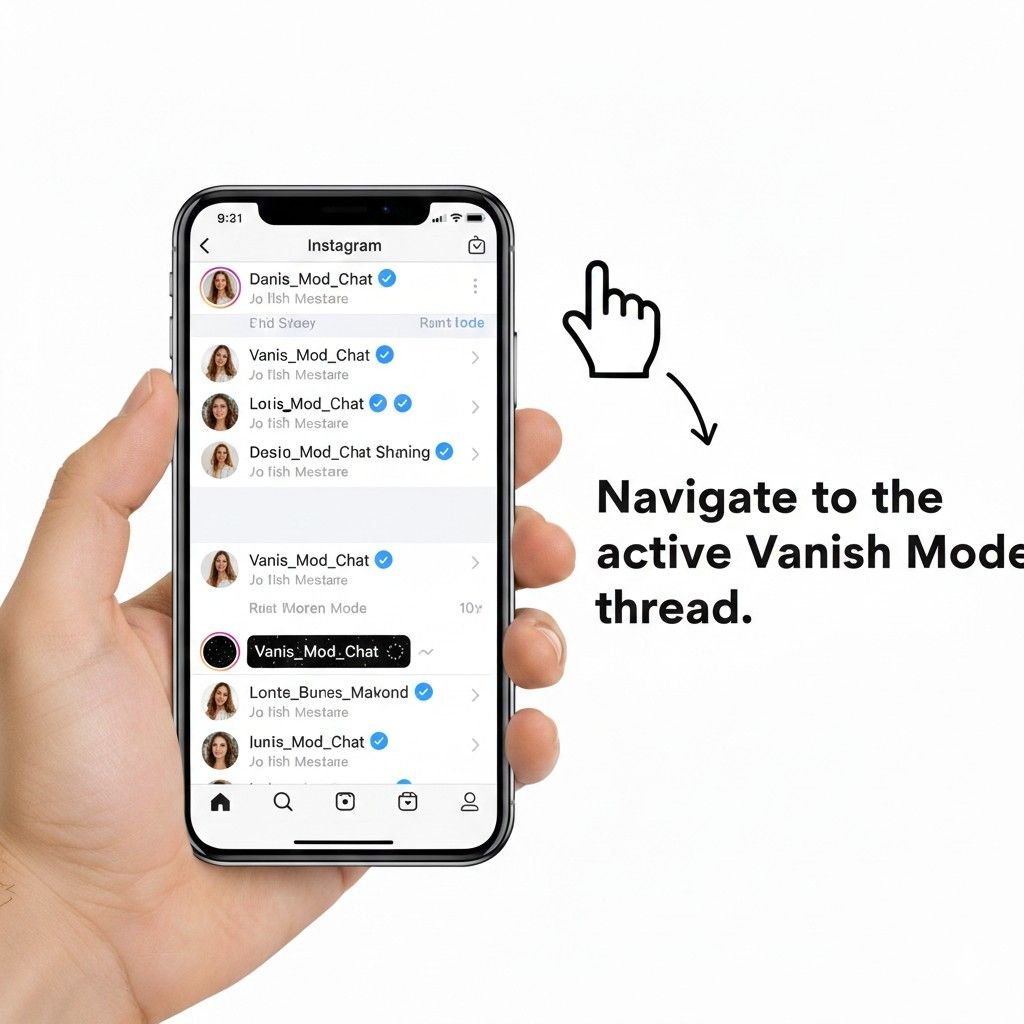
- Navigate to the active Vanish Mode thread.
- Perform a quick, deliberate swipe up from the bottom of the screen.
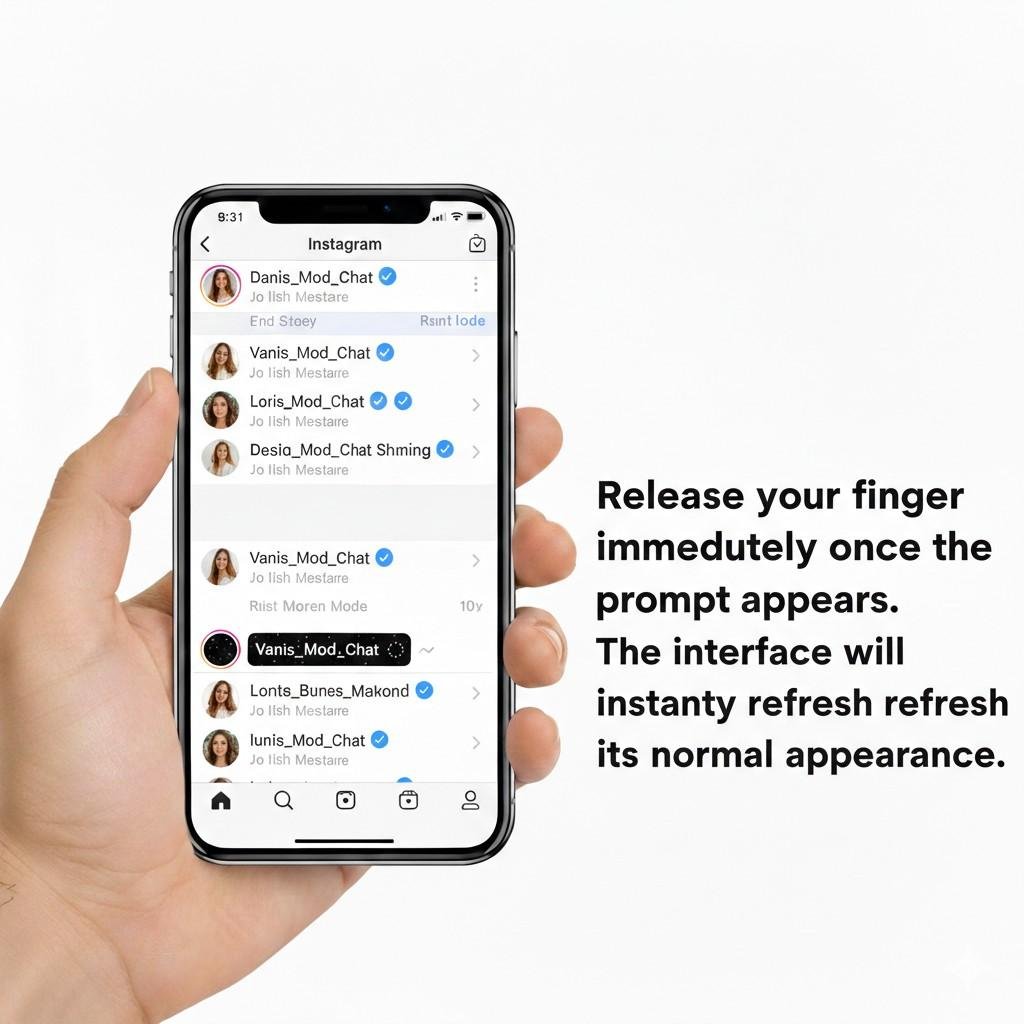
- Release your finger immediately once the prompt appears. The interface will instantly refresh to its normal appearance.
Method 2: Using Chat Settings
If the gesture fails to respond due to screen sensitivity or app lag, you can use the manual toggle located within the individual chat’s metadata.
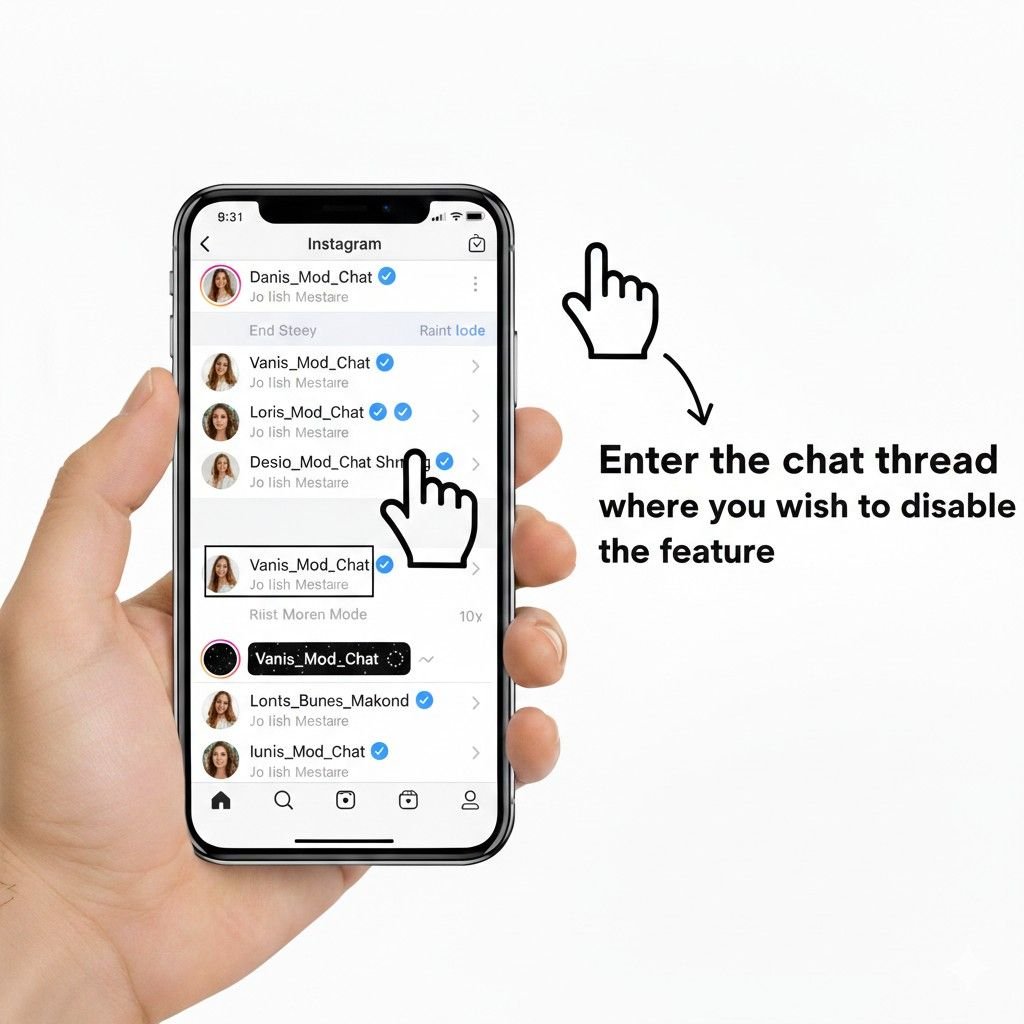
- Enter the chat thread where you wish to disable the feature.
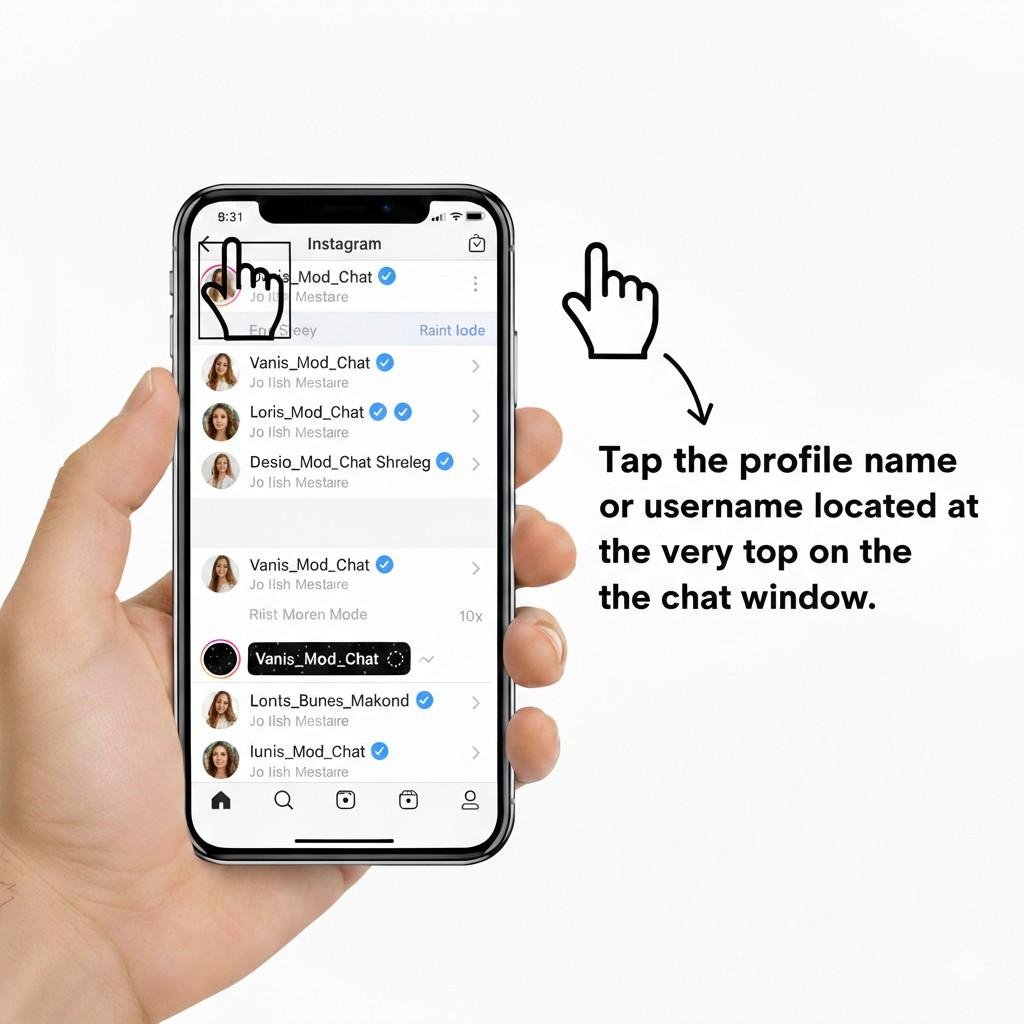
- Tap the profile name or username located at the very top of the chat window.
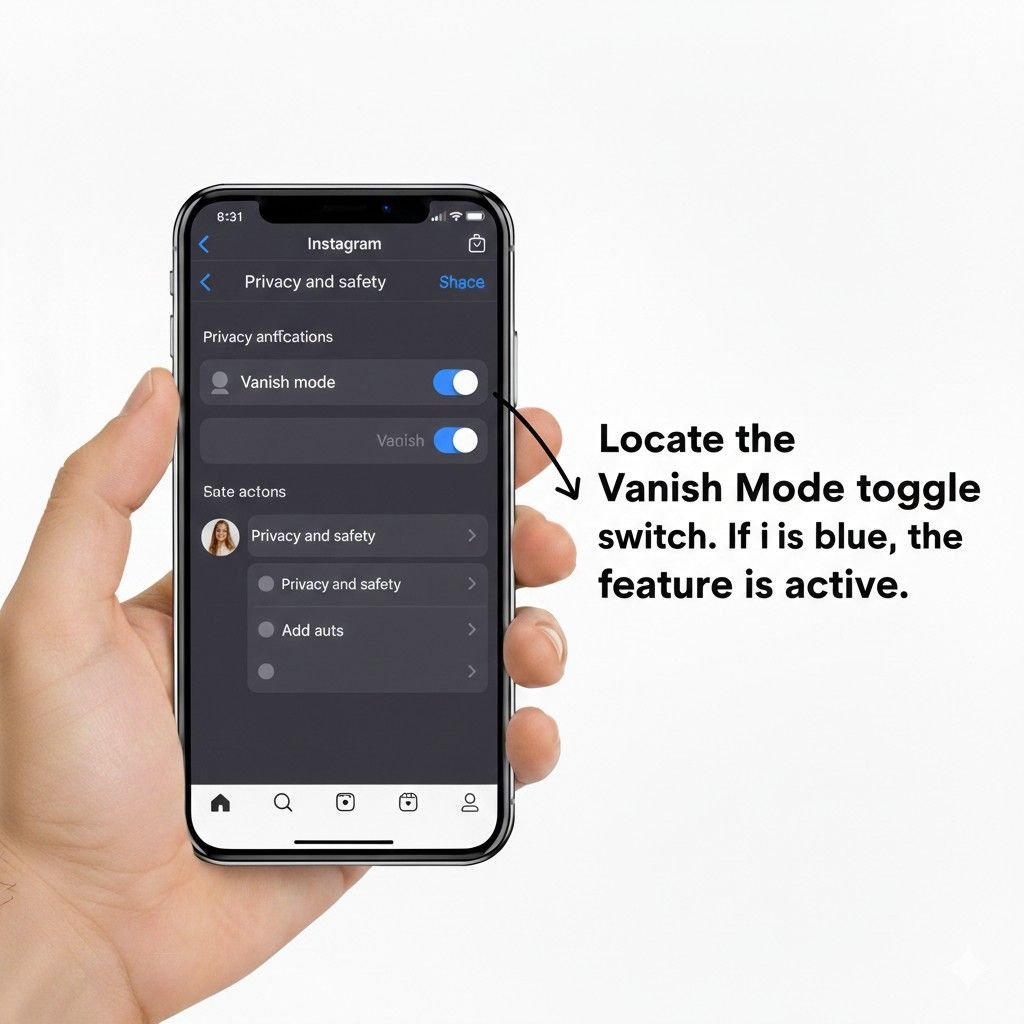
- Select the “Privacy and safety” menu option.
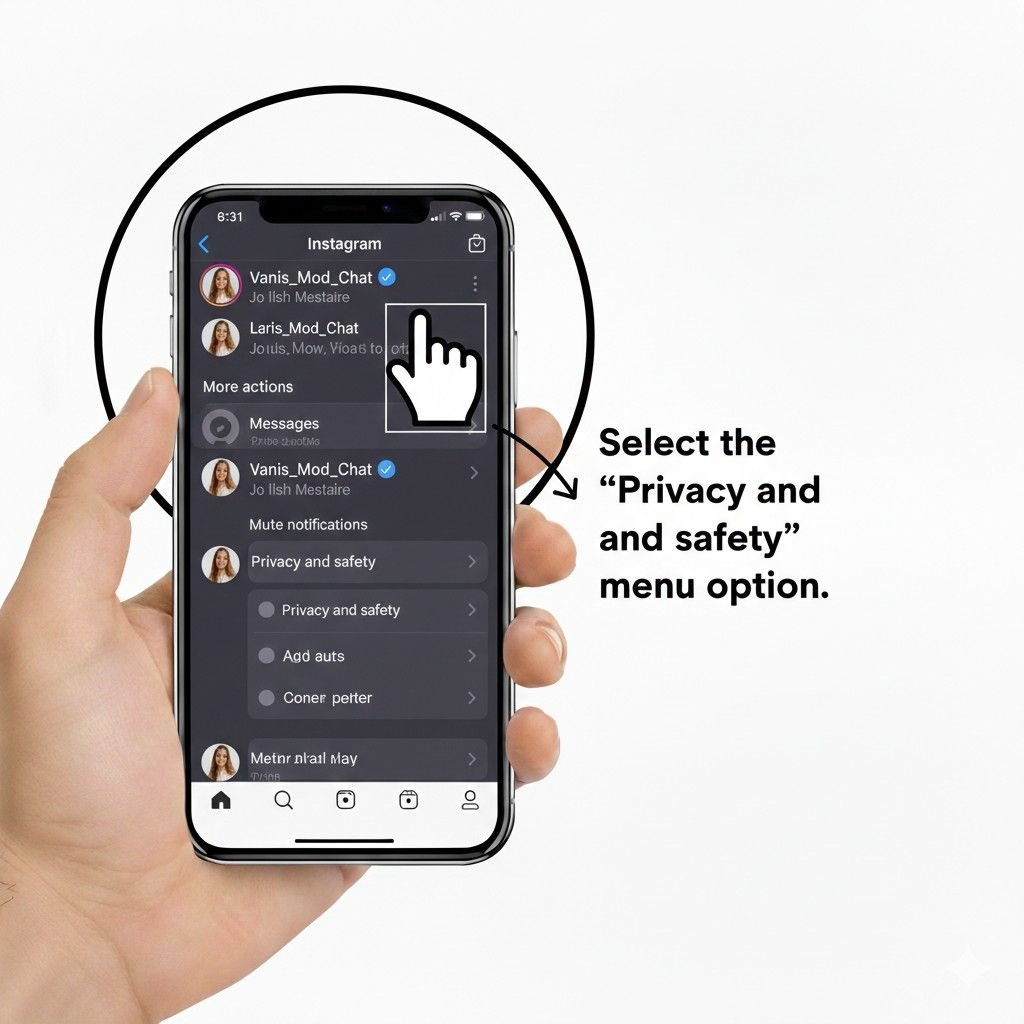
- Locate the Vanish Mode toggle switch. If it is blue, the feature is active.
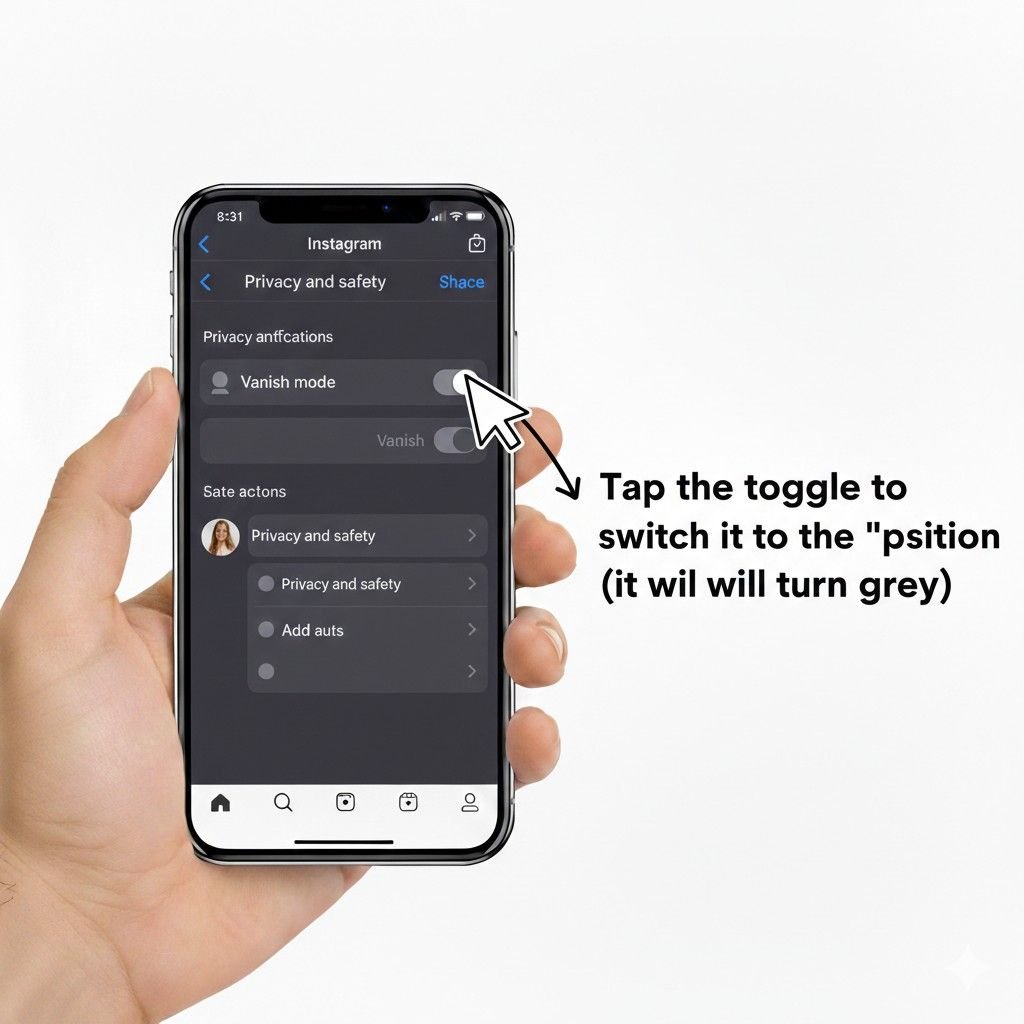
- Tap the toggle to switch it to the “off” position (it will turn grey).
Desktop and Web Limitations
It is critical for users to understand that Vanish Mode is not supported on Instagram Web or the Desktop version of the platform. If you are viewing Direct Messages on a computer, you will not find the swipe gesture, the visual dark theme, or the toggle settings.

Consequently, if a chat is stuck in this mode, you must access a mobile device running the Instagram App to revert it to a standard conversation.
What Is Vanish Mode On Instagram?
Vanish Mode is a unique feature on Instagram that allows you to send messages that disappear after they’re viewed or when the chat is closed.
It’s similar to the self-destructing messages found on other messaging platforms like Snapchat. This mode is designed for sharing sensitive or private content that you don’t want to remain in your chat history.
Unlike standard chats, where message history is stored indefinitely on both the sender’s and receiver’s devices,
Vanish Mode messages are automatically purged once two conditions are met: the recipient has viewed the content and both participants have exited the chat window.
This can be useful for sharing personal information, and sensitive details, or simply for having a lighthearted, temporary chat without leaving a trace.
How Vanish Mode Works
The mechanics of this feature rely on a distinct set of UI triggers and logic-based deletion.
- Activation Trigger: The mode is typically enabled accidentally or intentionally via a swipe-up gesture from the bottom of an existing one-on-one chat.
- Dark Interface Indicator: Upon activation, the chat theme automatically switches to a dark/black background, regardless of your device’s system-wide dark mode settings. A “Vanish Mode” label and a dotted circle next to the recipient’s name also serve as visual markers.
- Disappearing Logic: Messages sent during this session remain visible as long as the chat window is open. Once you navigate away from the thread or close the app, any “seen” messages are permanently deleted from the interface on both sides.
- Screenshot Alert Behavior: To maintain transparency, Instagram includes a specialized notification system. If either participant takes a screenshot or uses a screen recording tool while the mode is active, the other party receives an immediate in-chat notification.
Why Turn Off Vanish Mode?
There are several compelling reasons why you might want to turn off Vanish Mode on Instagram:
1. Maintaining Conversation History
- Future Reference: Keeping a record of your conversations can be valuable for future reference, allowing you to revisit past discussions, track important details, or simply relive memorable moments.
- Project Management: In professional or collaborative settings, maintaining a conversation history can be essential for project management, tracking progress, and resolving issues.
- Legal or Evidentiary Purposes: In certain situations, having a record of conversations can be important for legal or evidentiary purposes.
2. Accidental Activation
- Unintended Consequences: Vanish Mode can be activated accidentally, leading to unintended consequences such as lost messages or missed information.
- Avoiding Misunderstandings: Understanding how to turn off Vanish Mode can help prevent misunderstandings or missed opportunities that may arise from accidentally activated conversations.
3. Privacy Concerns
- Sensitive Information: While Vanish Mode offers a degree of privacy, sharing sensitive information in a disappearing message format can still pose risks. If you’re concerned about the long-term privacy of your conversations, disabling Vanish Mode can provide added peace of mind.
- Data Retention: Some users may prefer to have their conversations retained for data retention purposes, especially in professional or legal contexts.
4. Collaboration And Project Management
- Tracking Progress: In collaborative projects, maintaining a record of conversations can help track progress, assign tasks, and address issues effectively.
- Decision Making: Having a history of discussions can be valuable for making informed decisions and resolving conflicts.
By understanding these reasons, you can make an informed decision about whether to turn off Vanish Mode and tailor your Instagram messaging experience to your specific needs and preferences.
Never miss a follower! After mastering how to turn off Vanish Mode, discover how to view sent follow requests on Instagram. Simple guides for managing your Instagram experience!
Privacy & Security Considerations
While the feature enhances Account Privacy, it is not an absolute security solution.
- Reporting Window: For safety purposes, Instagram allows users to report messages for up to 14 days after they have vanished from the screen. This ensures that harassment or violations of Community Guidelines can still be investigated by Meta, even if the user can no longer see the original text.
- Encryption: All exchanges in this mode are protected by End-to-End Encryption, mirroring the security standards of regular Instagram Direct Messages.
- Limitations of “Secret” Chats: A primary misconception is that Vanish Mode is 100% secret. It cannot prevent a user from using a secondary physical camera to photograph their mobile screen. Furthermore, users on older versions of the app might not trigger screenshot alerts correctly.
- Transparency: Both users are always notified when the mode is turned on or off, ensuring no “stealth” disappearing sessions can occur without mutual awareness.
Troubleshooting: Why Vanish Mode Won’t Turn Off
If you find yourself unable to exit the mode using the standard methods, several technical issues could be the cause.
- Outdated App: Features like this require both participants to be on a current version of the software. Check the App Store or Google Play Store for pending Instagram updates.
- Temporary Glitches: UI bugs can occasionally “lock” a chat in the dark theme. Force-closing the Instagram App and restarting your smartphone often clears these minor software hang-ups.
- Cache Issues (Android): On Android devices, corrupted temporary files can interfere with the swipe gesture. Navigate to Settings > Apps > Instagram > Storage and select “Clear Cache” to refresh the app’s performance.
- Reinstall Solution: As a last resort, uninstalling and reinstalling the app can resolve deep-seated configuration errors.
- Server Synchronization Delay: Occasionally, there is a delay in Meta’s servers communicating the “off” state to both devices. If the toggle appears off but messages still vanish, wait a few minutes and restart the app to allow the servers to sync.
Feature Limitations & Boundaries
Users should be aware of the specific parameters that govern where and how this feature operates.
- One-on-One Only: Vanish Mode is strictly incompatible with Group Chats. It is designed for two-person interactions only.
- Irrecoverable Data: Once the mode is disabled, any messages sent during that session that were seen and closed are gone forever. There is no “trash” folder or recovery tool to bring them back.
- Follow Requirements: In many regions, you can only use this feature with people you follow or who follow you back. It generally does not apply to unsolicited Message Requests from strangers.
- Platform Alternatives: If your goal is long-term privacy management rather than temporary message deletion, consider the Restrict Feature (which hides chats in requests) or the Blocking tool (which terminates all communication).
Additional Tips And Considerations
- Screenshot Notifications: Instagram will notify the other users if they take a screenshot of a Vanish Mode conversation. This helps maintain transparency and respect in your interactions.
- Group Chats: Vanish Mode is currently not available for group chats on Instagram. If you need to send a disappearing message to a group, consider creating a temporary private chat with individual members.
- App Updates: Ensure you have the latest version of the Instagram app installed. Updates often include bug fixes and new features that can affect Vanish Mode functionality.
- Third-Party Apps: Be cautious of using third-party apps to manage Vanish Mode. While some apps may offer additional features, they might not be secure or reliable. Stick to the official Instagram app for the best experience and security.
Frequently Asked Questions
Why can’t I turn off Vanish Mode?
If you’re having trouble disabling Vanish Mode, try restarting your app, clearing the cache, or updating to the latest version.
What happens to messages sent in Vanish Mode after they disappear?
Once a message is seen in Vanish Mode, it cannot be recovered. It’s gone forever.
Can I report messages sent in Vanish Mode?
Yes, you can report messages sent in Vanish Mode if they violate Instagram’s Community Guidelines. However, keep in mind that reported messages may not be recoverable after they disappear.
Is there a way to view messages sent in Vanish Mode after they disappear?
No, there is currently no way to view messages sent in Vanish Mode after they have disappeared.
Does turning off Vanish Mode delete old messages?
Only the messages sent while the mode was active will disappear. Your standard chat history—the messages sent before the mode was turned on—remains perfectly safe and will reappear once the mode is disabled.
Can the other person turn it back on?
Yes. Either participant in a one-on-one chat has the authority to enable or disable the feature at any time.
Will someone know I disabled it?
Yes. Instagram displays a small in-chat notification stating that Vanish Mode was turned off. Additionally, the chat background will visually revert to the normal theme for both users.
Can screenshots bypass alerts?
No. The system is designed to detect both standard screenshots and screen recordings, notifying the other party immediately. However, it cannot detect if someone uses a different phone or camera to take a physical photo of the screen.
Is Vanish Mode safer than normal DMs?
It provides more privacy for temporary conversations by ensuring no long-term logs exist, but it is not inherently “safer” regarding content security. Recipients can still capture content through external means.
What happens to photos sent in this mode?
Just like text, any photos, videos, or GIFs sent while the mode is active will disappear after they are viewed and the chat is closed.
Conclusion
Understanding how to turn off Vanish Mode on Instagram is essential for maintaining control over your messaging experience and ensuring your conversations are saved as intended.
By following the steps outlined in this guide, you can easily disable Vanish Mode and return to normal messaging functionality.
Remember to consider the privacy implications and potential risks associated with using Vanish Mode. Use it judiciously and only for situations where it’s truly necessary.
By understanding and effectively managing Vanish Mode, you can enhance your Instagram experience and maintain control over your conversations.